
One photo · Christmas morning by the tree
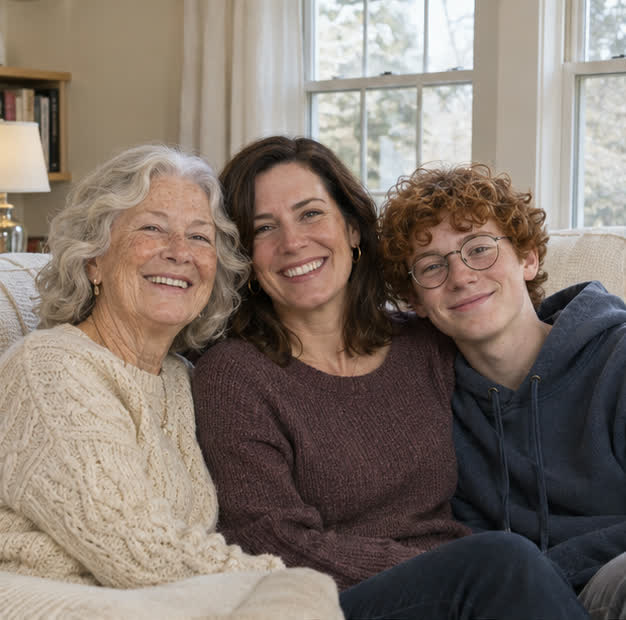
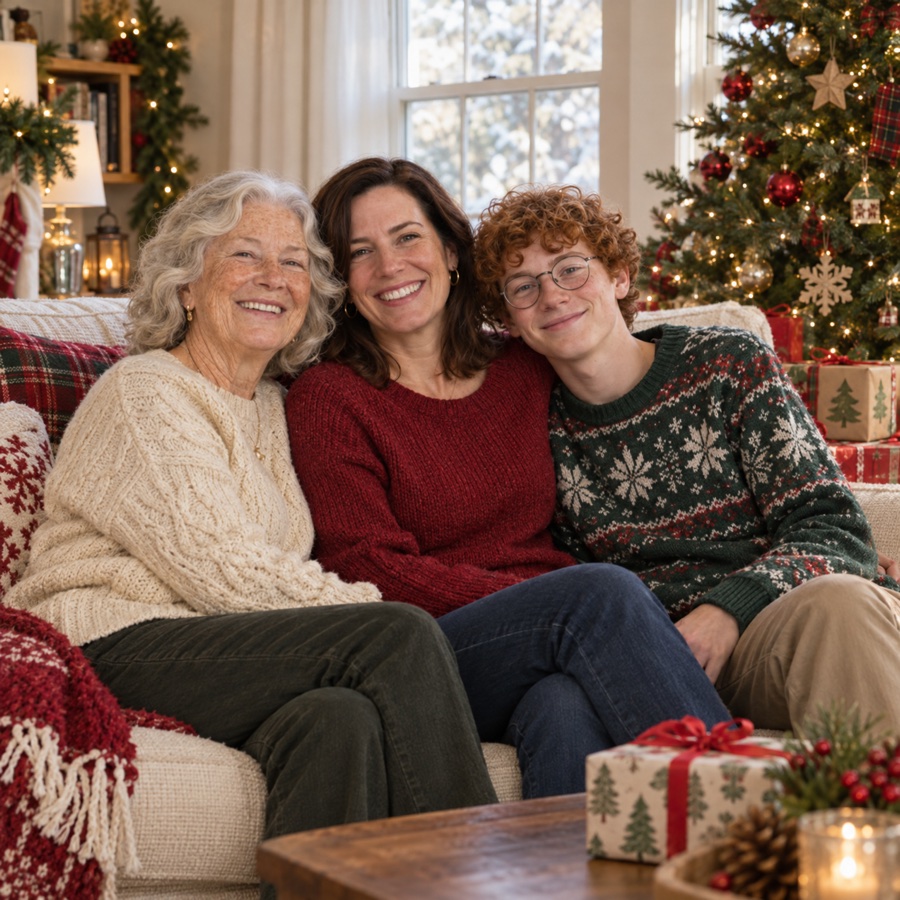
Make a Christmas portrait from a family photo you already have. You can add one missing loved one from a separate portrait, then choose a scene at home.
Start with one group photo. To include one more person, add a separate portrait.
One clear family group photo
An AI provider processes the photos you submit. Read the privacy policy
Sign-in required. Each new photo uses 1 credit. Download a photo to keep or use in your own Christmas card. Faces can vary.
Both results were made with this tool using fictional source photos.
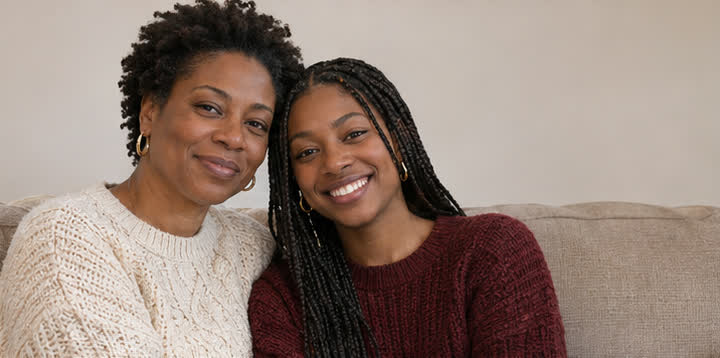
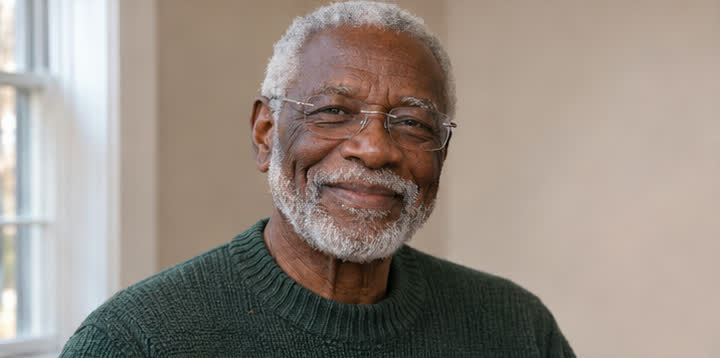
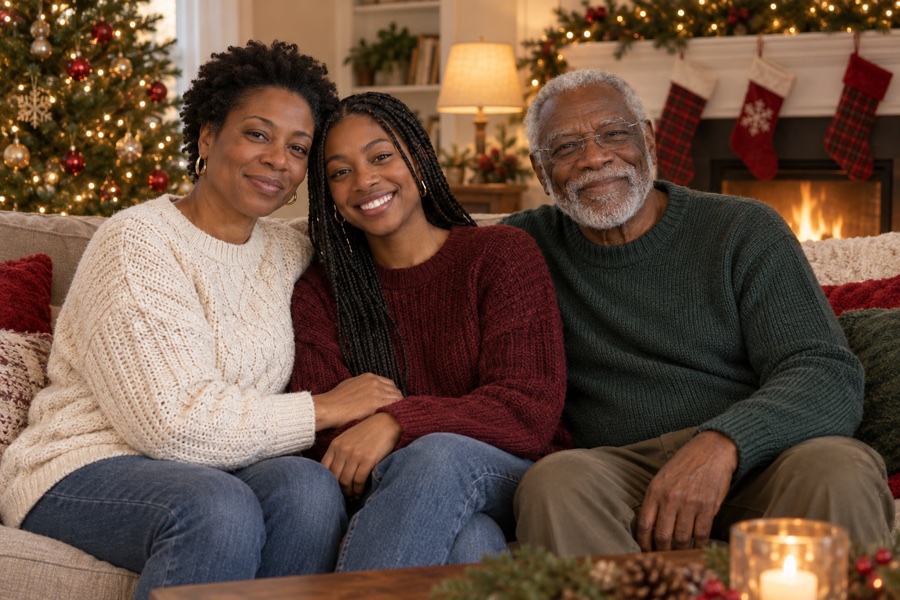
Start with a family photograph you know and want to keep. Use it by itself to create a holiday setting around the people already in the picture. When one person could not be there, choose the second mode and upload a separate portrait of that person. You receive one downloadable still image. The tool aims to preserve familiar faces and the relationship between people in the group. Review the placement, expressions, hands, and clothing in the new image before sending it to anyone.
Use a group photo with clear, evenly lit faces and enough room around the people. When adding a loved one, choose a portrait with the eyes and shoulders visible, ideally taken from a similar angle. A simple background can help the person fit naturally. Keep the originals so you can compare them with the result. If a face is cut off, very small, or hidden by reflection, upload a clearer reference when possible.
Upload a clear JPG, PNG, WebP, or supported HEIC. Select the second mode only when you also have a separate portrait of the person you are adding.
Choose a family moment at home: by the fireplace, Christmas morning by the tree, or Christmas dinner. Sign in and confirm the generation to use one credit. Check your private history if it is still processing.
Compare the finished picture with the photos you uploaded. If the result feels right, download it from the result or your private history without using another credit.
If the person you add has died, the picture is an imagined family portrait. Use a reference you have permission to use, compare the result with the person you remember, and ask the people closest to them before sharing. Some families prefer a private keepsake to a picture sent to the whole family. You can also keep the original beside the new portrait so the distinction stays clear.
Use one existing family photo when you want to change the setting. To include one more person, add one separate portrait of that person to the existing family photo. This tool uses the family photo as its starting point and does not assemble a group from a collection of individual headshots.
Choose Add one loved one, upload your family photo and add a separate portrait of your grandparent. The result is an AI image of an imagined gathering. Check the face against the original before sharing.
Each new Christmas image uses one credit. Public examples are free to view. Personal photo generation requires sign-in and a credit balance. If you need more credits, the pricing page shows the current one-time purchase and membership options. Downloading an existing result again uses no credits. Pricing
The generator creates a still image you can download. If you want greeting text, a card layout, or a physical print, use a separate editor or arrange printing yourself. Image size and format can vary with the returned result.
Your generation is not automatically published. The selected photos and instruction are sent to an external AI processing provider. Your result is available in private account history. Review the privacy policy before using sensitive photos, including photos of children.
A confirmed technical failure returns the reserved credit automatically. If the job still shows as processing, check My photos before starting again. AI edits can alter a familiar detail; a finished image with an unwanted artistic change is different from a technical failure.
Keep the original, compare faces, and download the version you want. Generating a new Christmas scene or a new version of the portrait uses another credit. Image edits and video generation have their own terms and prices.
Use photos you have permission to upload. Check the result before sharing with family. Photos and instructions are sent to an external processing provider only when you generate. Results stay private in your account. Read the privacy policy
New works created with a membership are kept while it is active and for 30 days after the paid period ends. We send advance download reminders. Canceling renewal does not end the paid period early. New works created without a membership are kept for 30 days after successful completion. Download them before they expire. Older works keep their original retention terms. Your account shows the applicable expiry date for new works.
MORE WAYS TO KEEP A MEMORY
Repair a worn family photograph, add color, or keep a small moment in motion. Use one account and private history; video access depends on your membership.
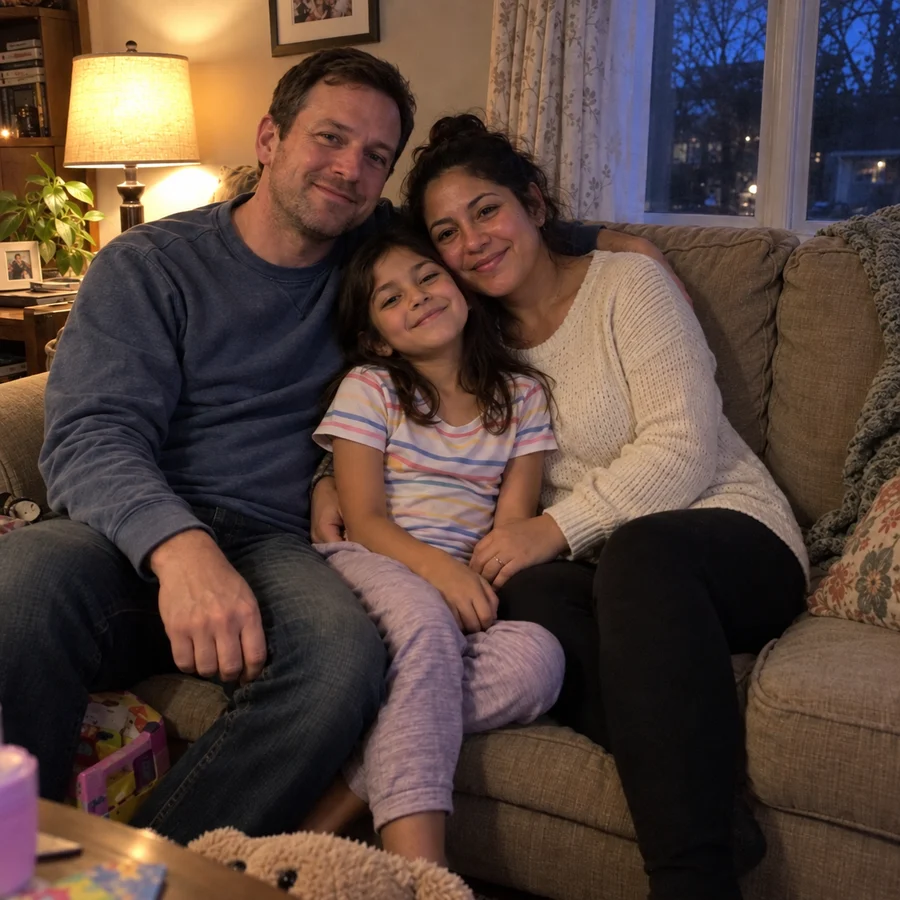
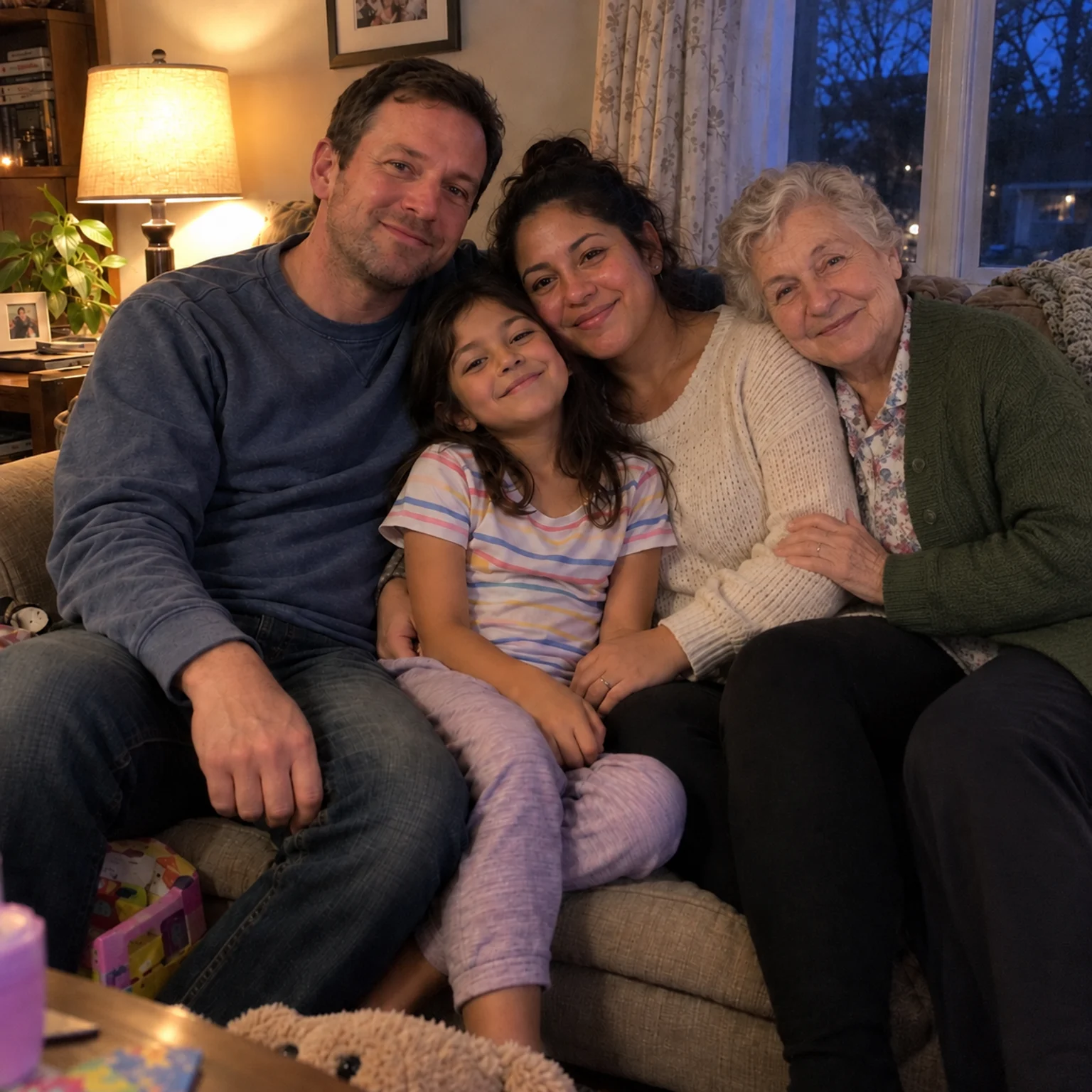
Bring two separate photographs together into one imagined family keepsake.
Open tool →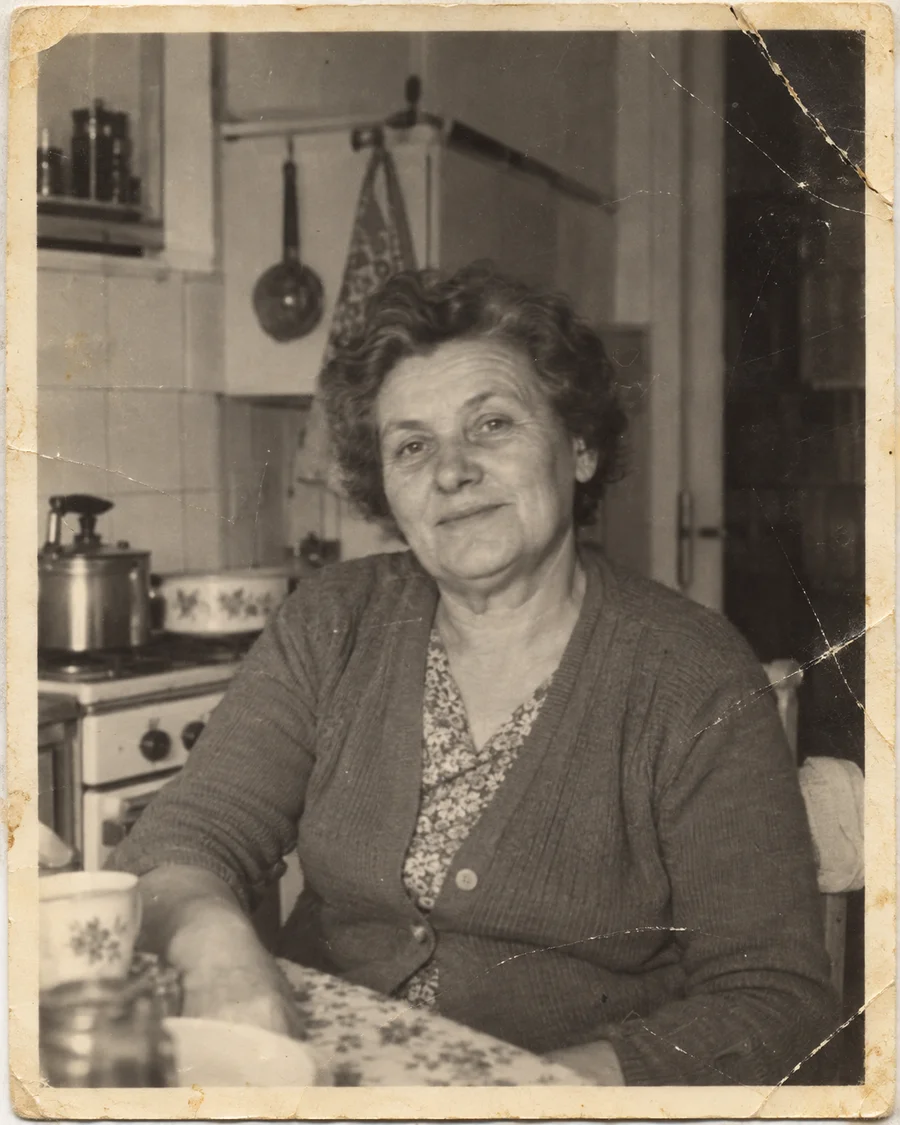
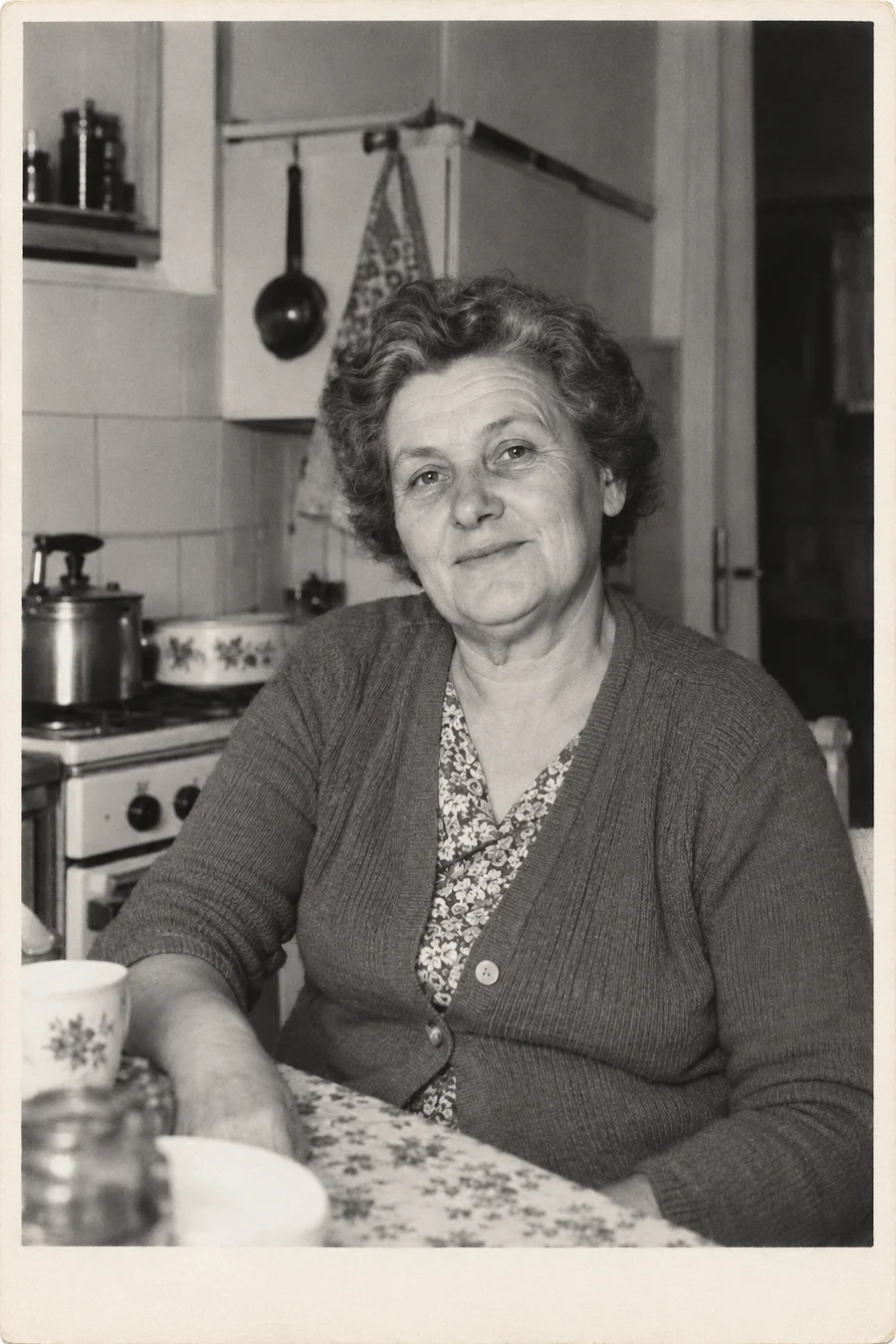
Repair scratches, tears and fading without changing the original color treatment.
Open tool →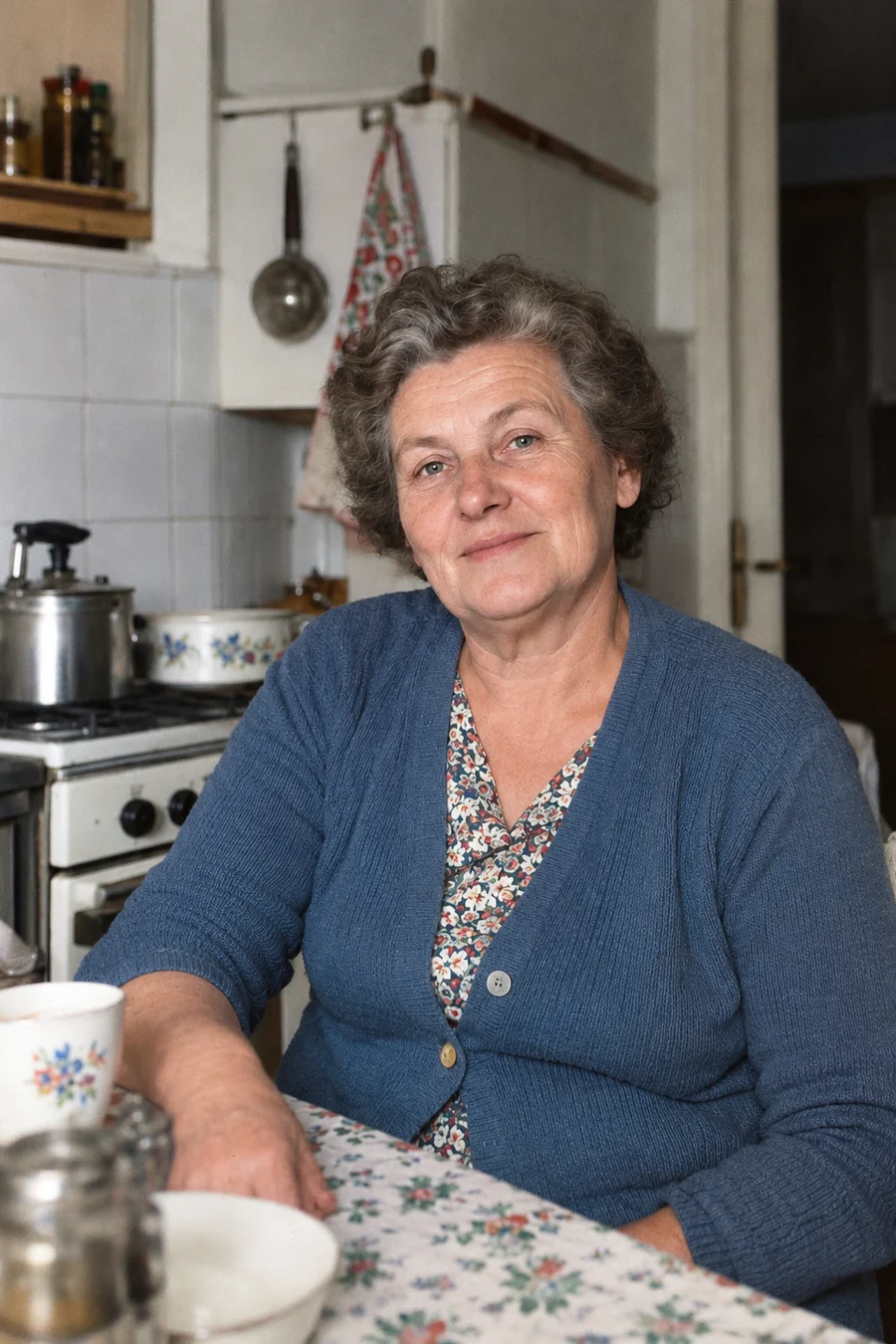
Give a black-and-white family photo natural-looking color and keep the original.
Open tool →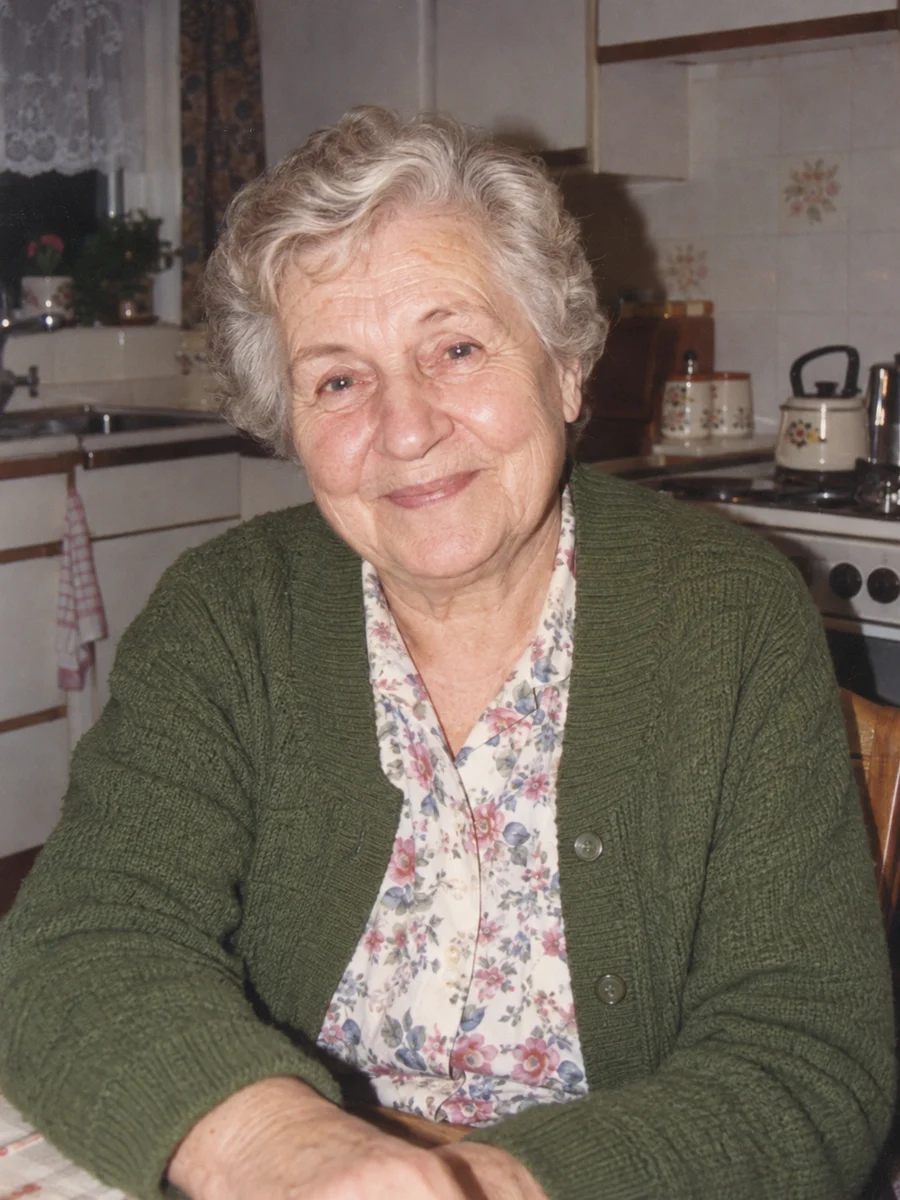
Turn one portrait into a short, silent video with a gentle blink or a small smile.
Open tool →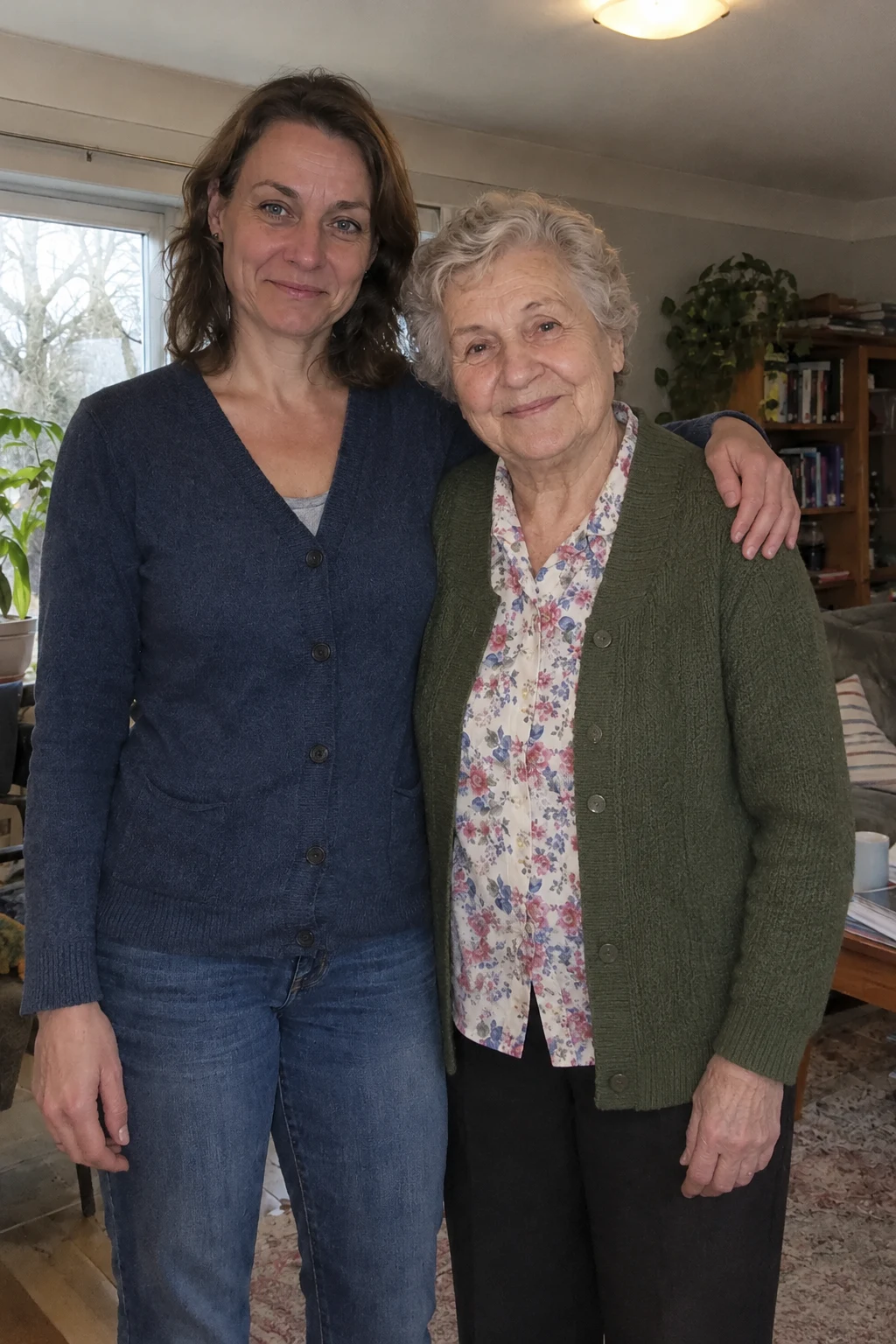
Bring two separate photos into a short, imagined embrace. A five-second silent keepsake, made privately for 15 credits.
Open tool →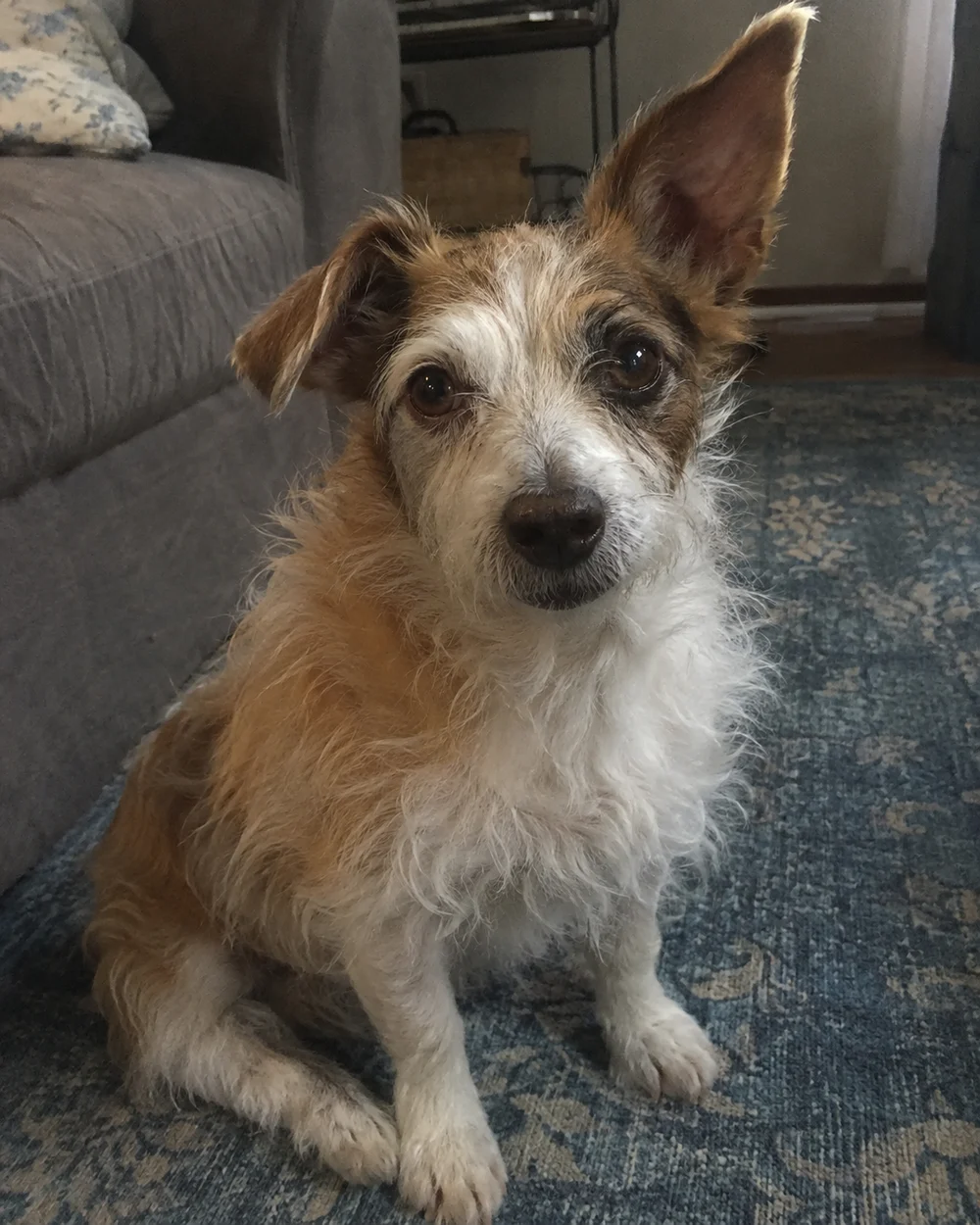
Animate one dog or cat photo directly into a five-second silent keepsake. Ten credits with eligible video access.
Open tool →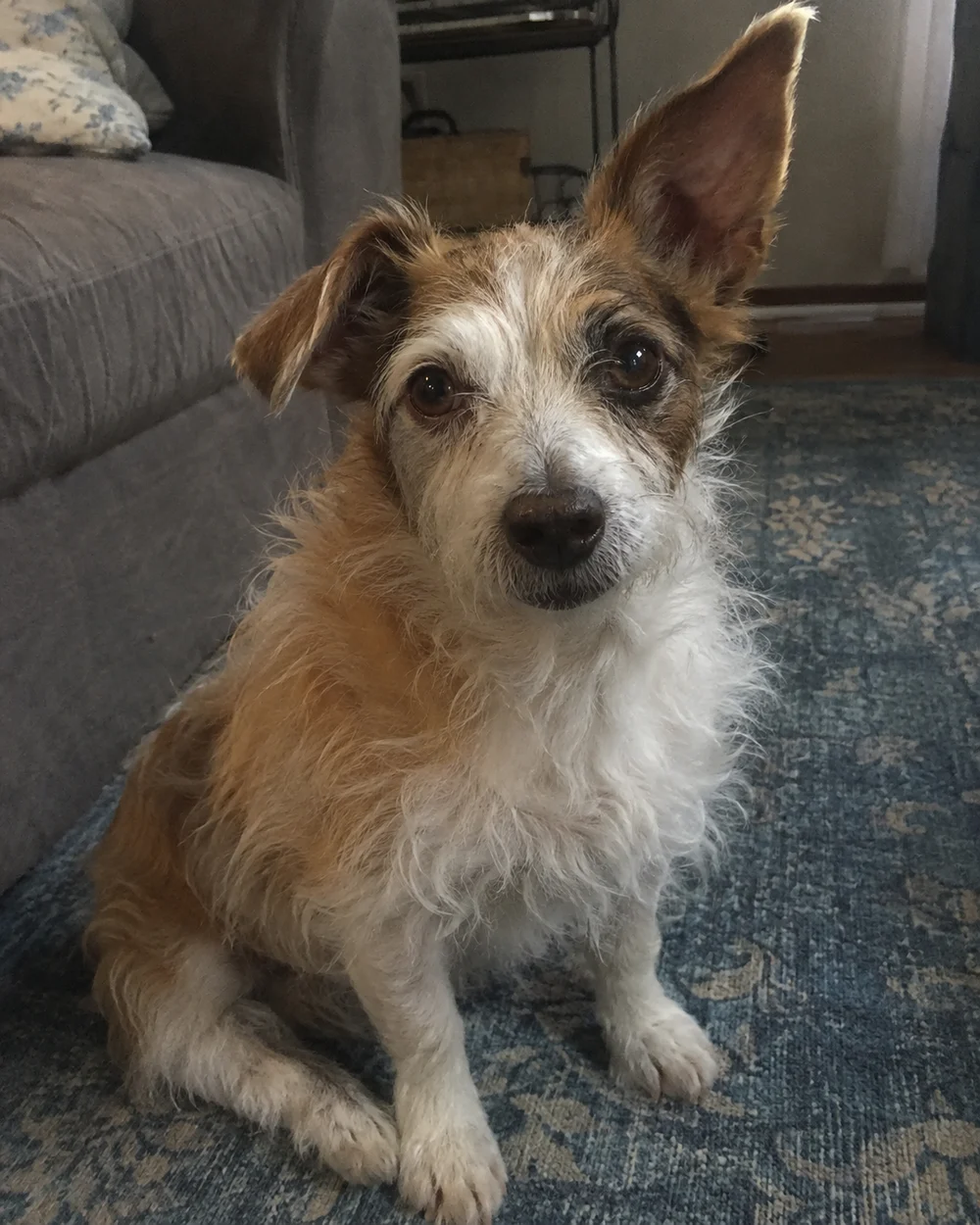
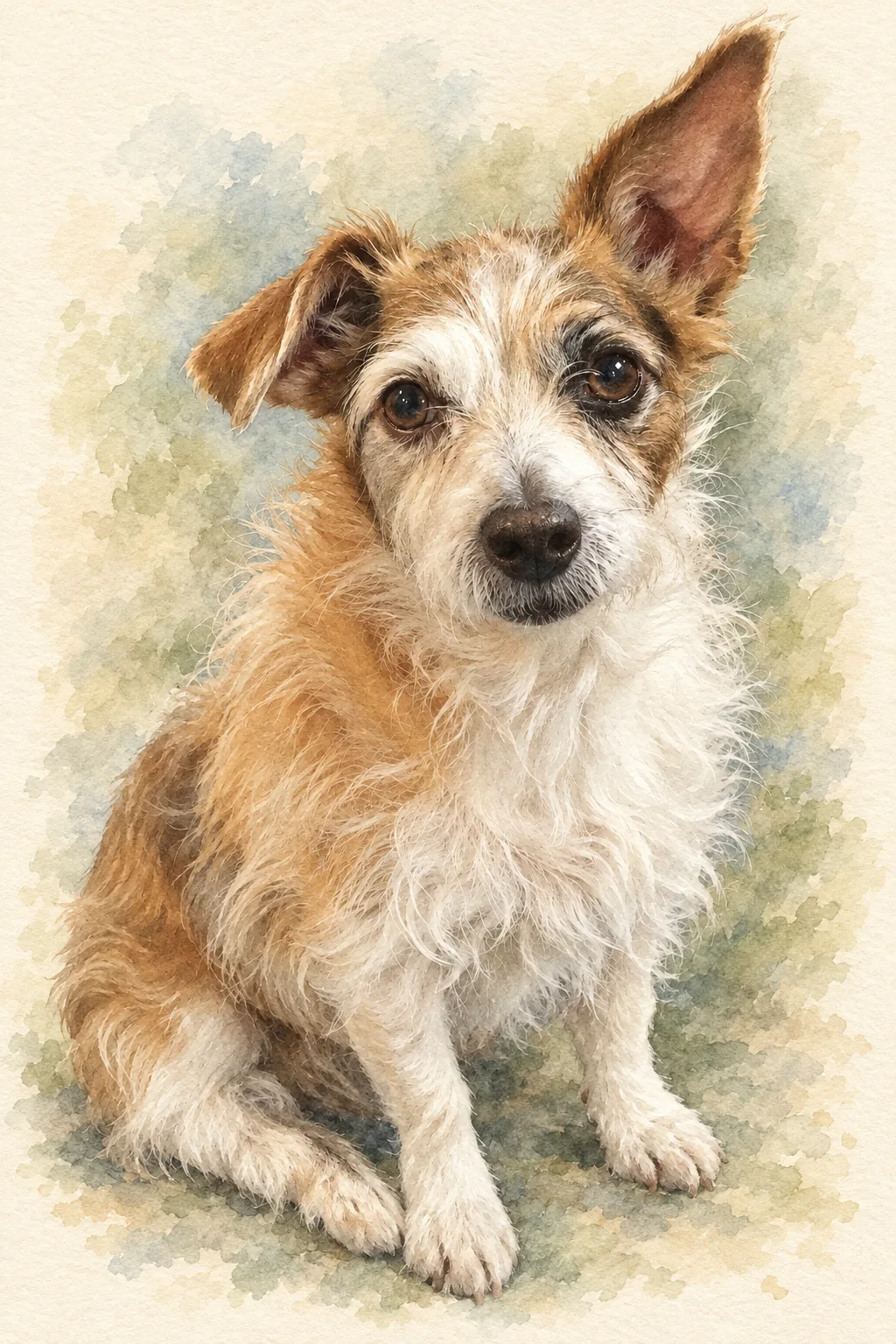
Turn a favorite pet photo into an oil painting or soft watercolor-style digital keepsake.
Open tool →