
Choose two photographs
Add a photo of each person. Use only images you have permission to use. You can replace or remove either selection before submitting.
Bring two separate photos into a short, imagined embrace. A five-second silent keepsake, made privately for 15 credits.
Upload a photo of each person, then sign in with Google or email. We prepare a shared scene and animate a gentle hug. Buying credits does not start a video automatically.
Your selected photos are sent to external AI providers only when you submit a generation. Their retention and deletion limits differ from your private history on this site. Read the privacy policy
A clear photo with the first person's face and upper body visible
A separate portrait with a clear face and similar camera angle
15 credits cover scene preparation and the hug video. Starting with no credits? The smallest sufficient one-time pack is $9.90 for 20 credits, leaving 5 after one hug. Restoring a source photo first is optional and costs 1 additional credit.
An AI hug video generator brings people from separate photographs into a new, imagined scene and adds movement. Here, the output is a five-second silent MP4: no talking avatar, copied voice or slideshow. You can create a tribute involving a loved one who has died, but it is not a historical recording and it does not recreate their personality.
Use one clearly visible person in each photo, with the face and upper body unobstructed. Ordinary phone photos or scanned prints are welcome. Similar angles and lighting help; heavy blur, tiny faces, cropped arms or large groups can make the result less reliable. Restore a damaged photo first if needed, keeping the original.
Add a photo of each person. Use only images you have permission to use. You can replace or remove either selection before submitting.
Sign in, confirm photo permission and start the video. One-time packs and optional monthly memberships use the same balance. A shared scene is prepared before animation; both stages are covered by the displayed 15-credit cost.
Check the faces, hands, arms and background throughout the clip. Your accepted task appears in private history. Download the existing MP4 without another credit charge, and send quality feedback if details feel wrong.
You can use two photos to request an imagined embrace, provided you have the necessary rights and permission. It is an AI-created tribute, not evidence that a reunion happened. Consider how family members may feel before sharing it.
No. A hug video uses 15 credits. With an empty balance, the smallest one-time pack that covers one hug is $9.90 for 20 credits, leaving 5 credits. The $4.90 pack has 10 credits and does not cover a hug alone. Monthly membership is optional; buying credits never starts generation by itself.
Yes, if the face is sufficiently clear. You do not need to colorize a black-and-white photo first. Severe blur or missing facial detail can reduce likeness; restoration may help but cannot reliably recover an identity that is not visible.
No. The download is a five-second silent MP4. This tool does not clone a voice, make the person speak or provide a conversation. It generates a new visual movement rather than recovering a recorded action.
Exact likeness and anatomy are not guaranteed. AI may change expressions, skin texture, clothing, hands or how arms overlap. Review the entire clip against both source photos before downloading or sharing.
A confirmed technical failure returns the 15 reserved credits. If a task is still processing or its outcome is uncertain, check private history before starting another paid attempt. Disliking a completed artistic result is different from a technical failure; use the feedback or support controls.
Your uploads and results are not published automatically. When you generate, the images and instructions are sent to external AI providers. A successful video is available in your private account history for download and deletion. Read the privacy policy for provider retention limits; deleting here may not delete provider-held copies.
Your selected photos are sent to external AI providers only when you submit a generation. Their retention and deletion limits differ from your private history on this site. Photos and instructions are sent to an external processing provider only when you generate. Results stay private in your account. Read the privacy policy
MORE WAYS TO KEEP A MEMORY
Repair a worn family photograph, add natural color, or keep a small moment in motion. Your account, credits and private history work across every tool.
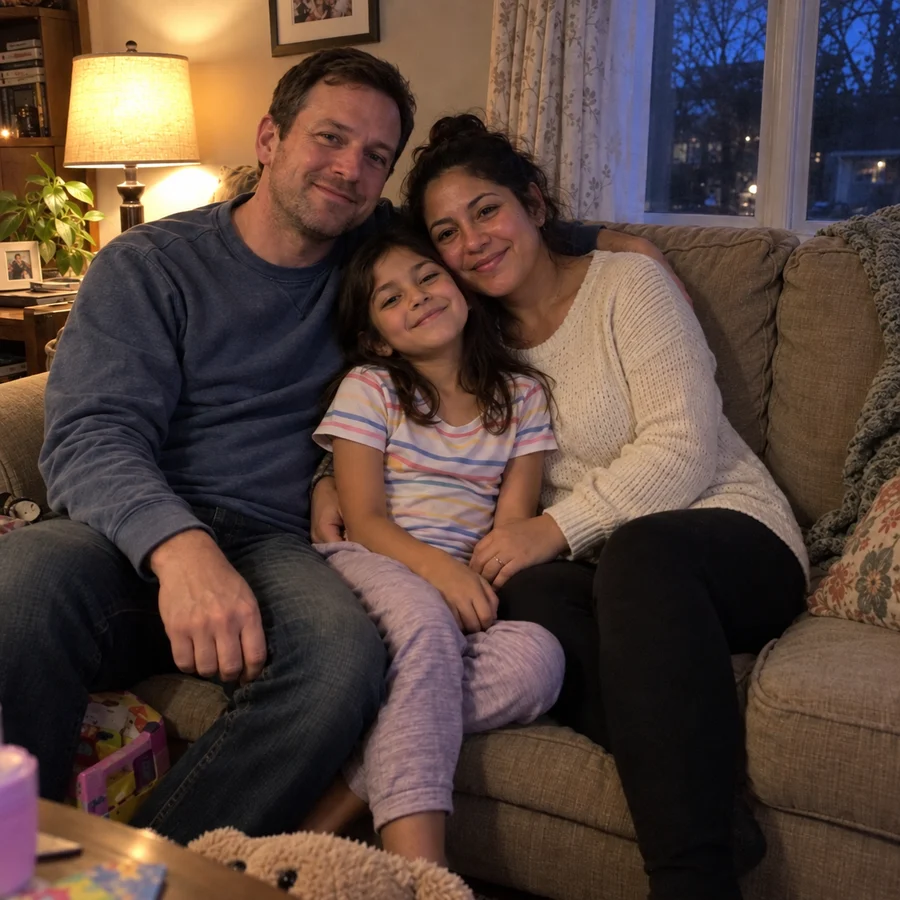
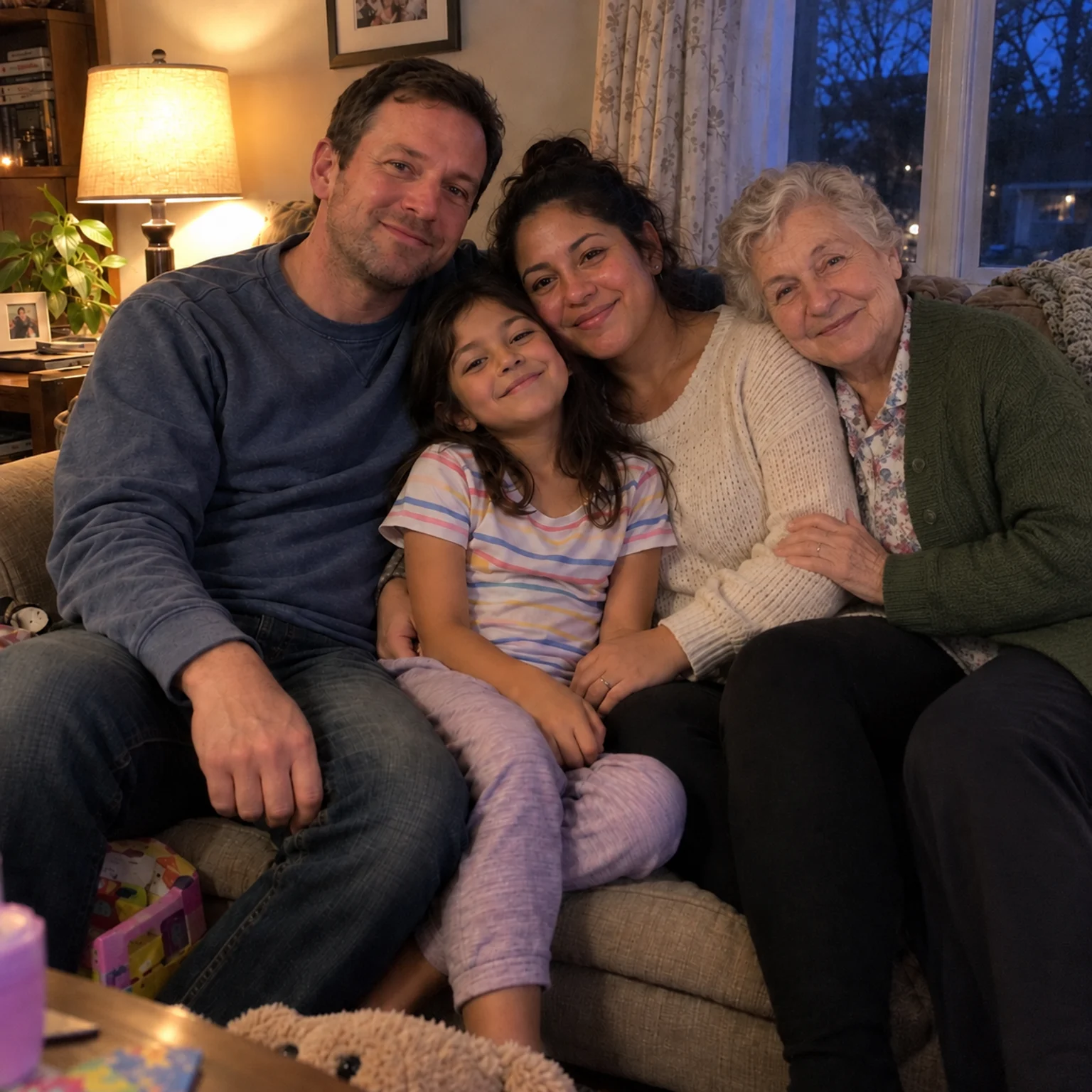
Bring two separate photographs together into one imagined family keepsake.
Open tool →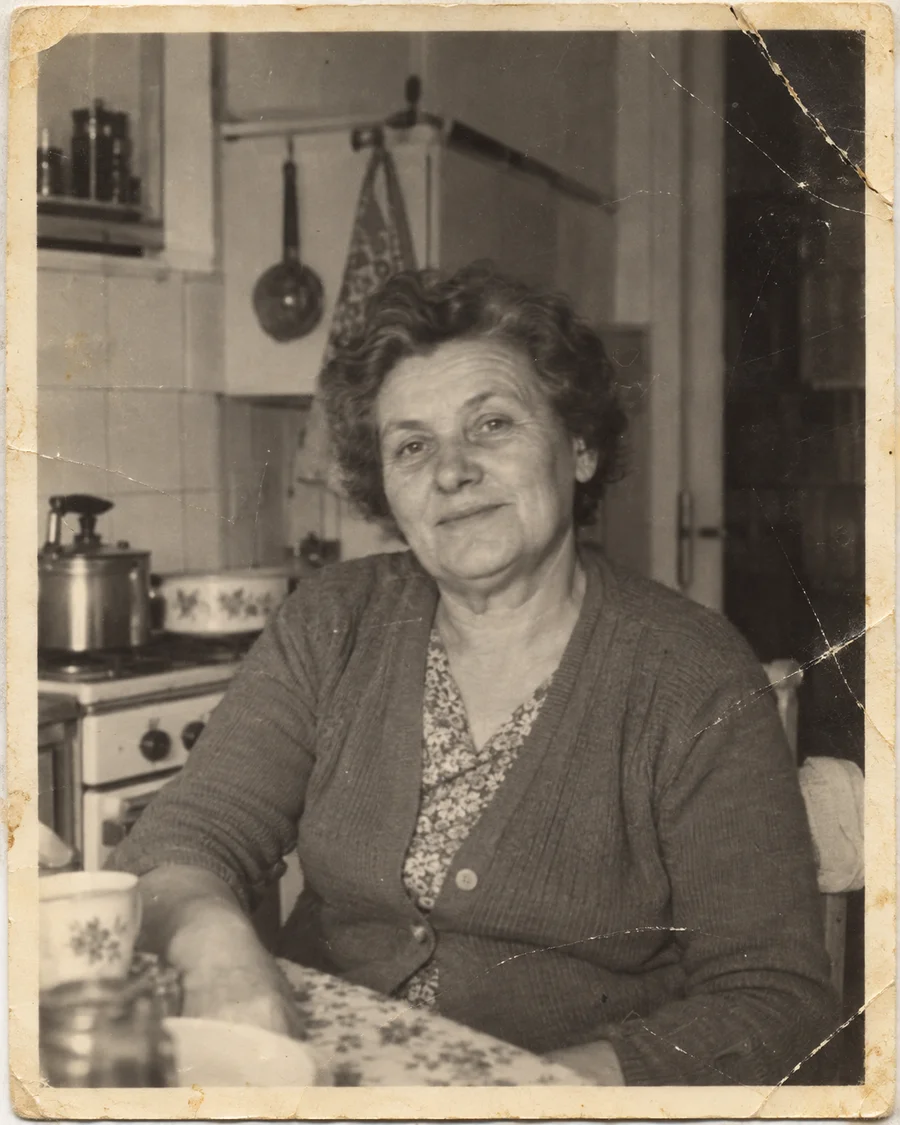
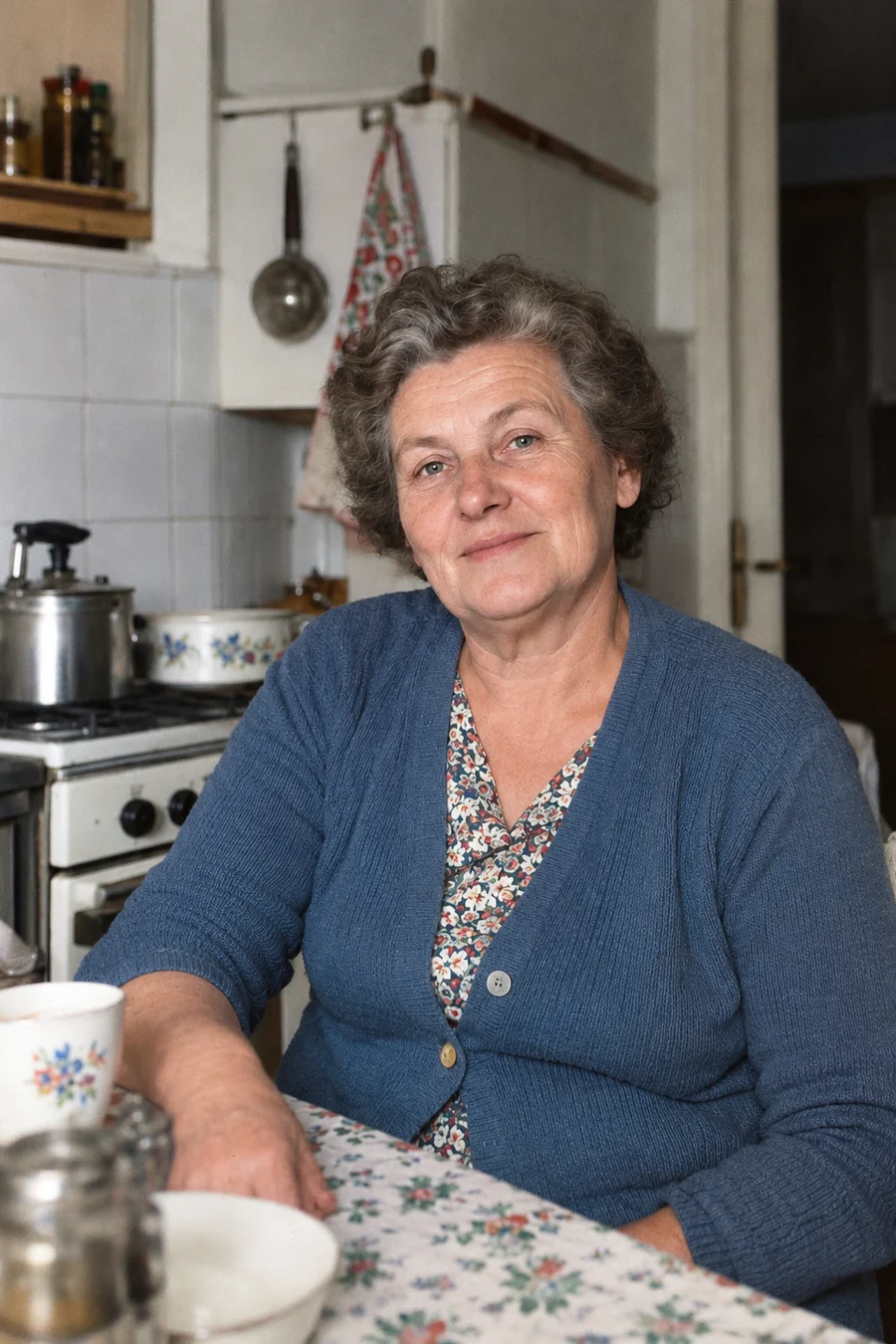
Repair scratches and fading, or colorize a black-and-white photo while keeping an original copy.
Open tool →
Turn one portrait into a short, silent video with a gentle blink or a small smile.
Open tool →