
Upload one pet photo
Choose one photo of a dog or cat. Review it before submitting. There is no need to create a new portrait or colorize the photo first.
Give a favorite dog or cat photo a little movement. Create a five-second silent video directly from the original, for 10 credits.
Upload a photo, choose an option, then create.
An AI provider processes your photo. Read the privacy policy
One dog or cat, with the face, ears and coat markings clearly visible
10 credits · Family or Legacy video access required.
Animate one dog or cat photograph into a short, silent MP4. We send the original photo directly for animation and request a steady scene with restrained movement. We do not first replace it with a polished portrait or make the animal look younger. AI may still change markings, eyes, ears, paws or the background. This is an imagined animation, not recovered video or proof of a past moment.
An everyday phone photo is welcome, including portrait or landscape framing and ordinary indoor light. Choose one dog or cat with visible features and avoid severe blur or a tiny face. Keep the original file; animation cannot reliably recover missing detail.
Choose one photo of a dog or cat. Review it before submitting. There is no need to create a new portrait or colorize the photo first.
Select the matching pet preset. A new five-second silent video uses 10 credits and requires eligible video access. Confirm the cost and membership status before starting; buying credits alone never starts a video.
Check the coat pattern, eyes, ears, body shape and background throughout the clip. Download the silent MP4 if it feels right, or leave quality feedback. Downloads use no extra credits. New works follow the displayed storage deadline; older works retain their original terms.
Yes. This tool makes a five-second silent clip from one dog or cat photo. Choose the matching pet preset; particular gestures are not guaranteed. It adds no voice, barking, meowing, speech or music.
We request the original markings, age, expression and lighting, but exact preservation is not guaranteed. AI generates movement that was not recorded and can change eyes, fur, ears, paws or body shape. Compare the complete clip with the source.
No. The original photo goes directly into animation, with no static beautification step. Black-and-white or faded photos may be used. Animation does not guarantee scratch removal, sharpness or restoration.
Images and refinements use 1 credit; a five-second silent animation uses 10; an AI hug uses 15. New video access requires Family or Legacy membership. Downloads use no additional credits. No free-generation allowance. Monthly memberships: Keepsake $9.90 / 30 credits (images only), Family $19.90 / 60, Legacy $39.90 / 120. Family and Legacy include video access. Yearly: $99 / 360, $199 / 720, or $399 / 1,440 credits, added together after confirmed payment. Yearly billing saves 16.7% versus 12 monthly payments. Memberships renew until canceled. One-time top-ups: $4.90 / 10, $9.90 / 20, or $19.90 / 40 credits; these do not unlock video. One-time credits do not expire. Monthly batches last 90 days. Annual credits remain valid through the paid annual period. Earlier annual batches are not extended by renewal.
Once accepted, the task is saved to your account. Check My photos if you leave the page. A confirmed technical failure automatically returns the 10 reserved credits. Disliking a completed expression or likeness is not automatically a technical failure. Check an uncertain status before submitting another paid task.
Yes, if you have permission to use the photo. Treat the clip as an imagined tribute, not a real recording or the return of your pet. Some people prefer the original still photo; review the result before sharing.
Animation sends your photo and instructions to our video-processing provider. Its current policy gives stored input/output files and task information no scheduled automatic expiry; request logs are kept for 60 days. Expiring our source URL or deleting a result on our site does not delete a copy already held by the provider. MiniMax’s own retention has not been verified. Read our Privacy Policy for details and contact support about deletion requests. New works created with a membership are kept while it is active and for 30 days after the paid period ends. We send advance download reminders. Canceling renewal does not end the paid period early. New works created without a membership are kept for 30 days after successful completion. Download them before they expire. Older works keep their original retention terms. Your account shows the applicable expiry date for new works.
Our video-processing provider processes photo animations. Under its current policy, stored input and output files have no automatic expiry. Read the Privacy Policy before uploading sensitive photos. Photos and instructions are sent to an external processing provider only when you generate. Results stay private in your account. Read the privacy policy
New works created with a membership are kept while it is active and for 30 days after the paid period ends. We send advance download reminders. Canceling renewal does not end the paid period early. New works created without a membership are kept for 30 days after successful completion. Download them before they expire. Older works keep their original retention terms. Your account shows the applicable expiry date for new works.
MORE WAYS TO KEEP A MEMORY
Repair a worn family photograph, add color, or keep a small moment in motion. Use one account and private history; video access depends on your membership.
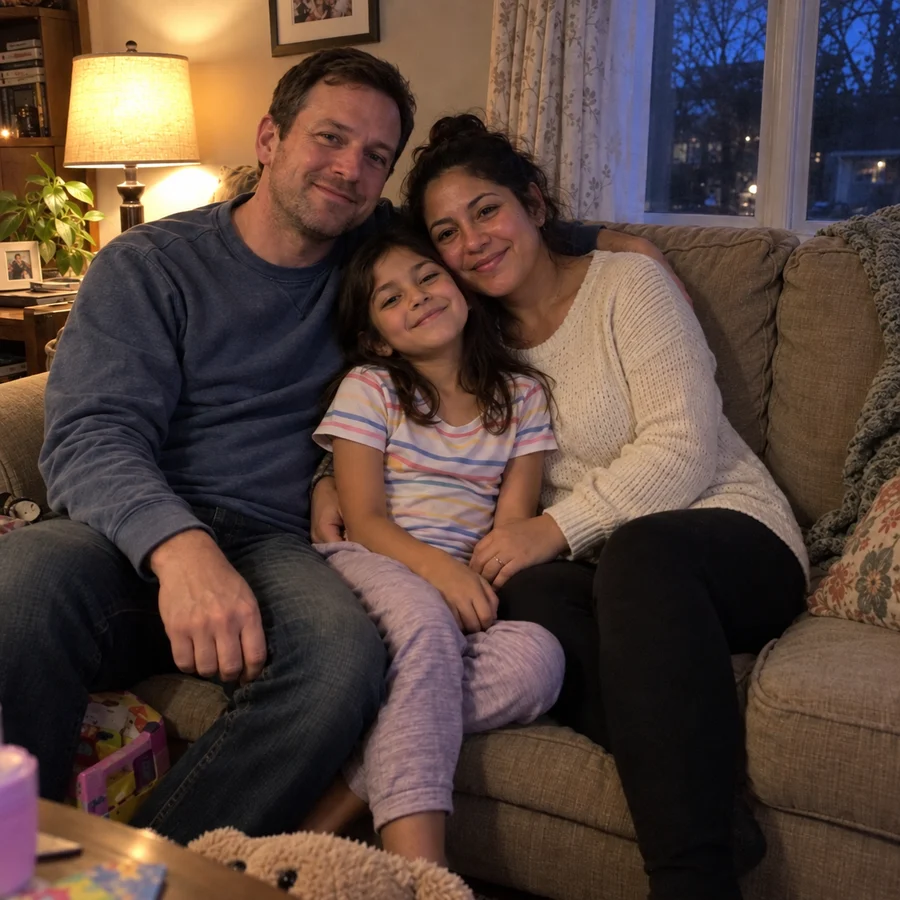
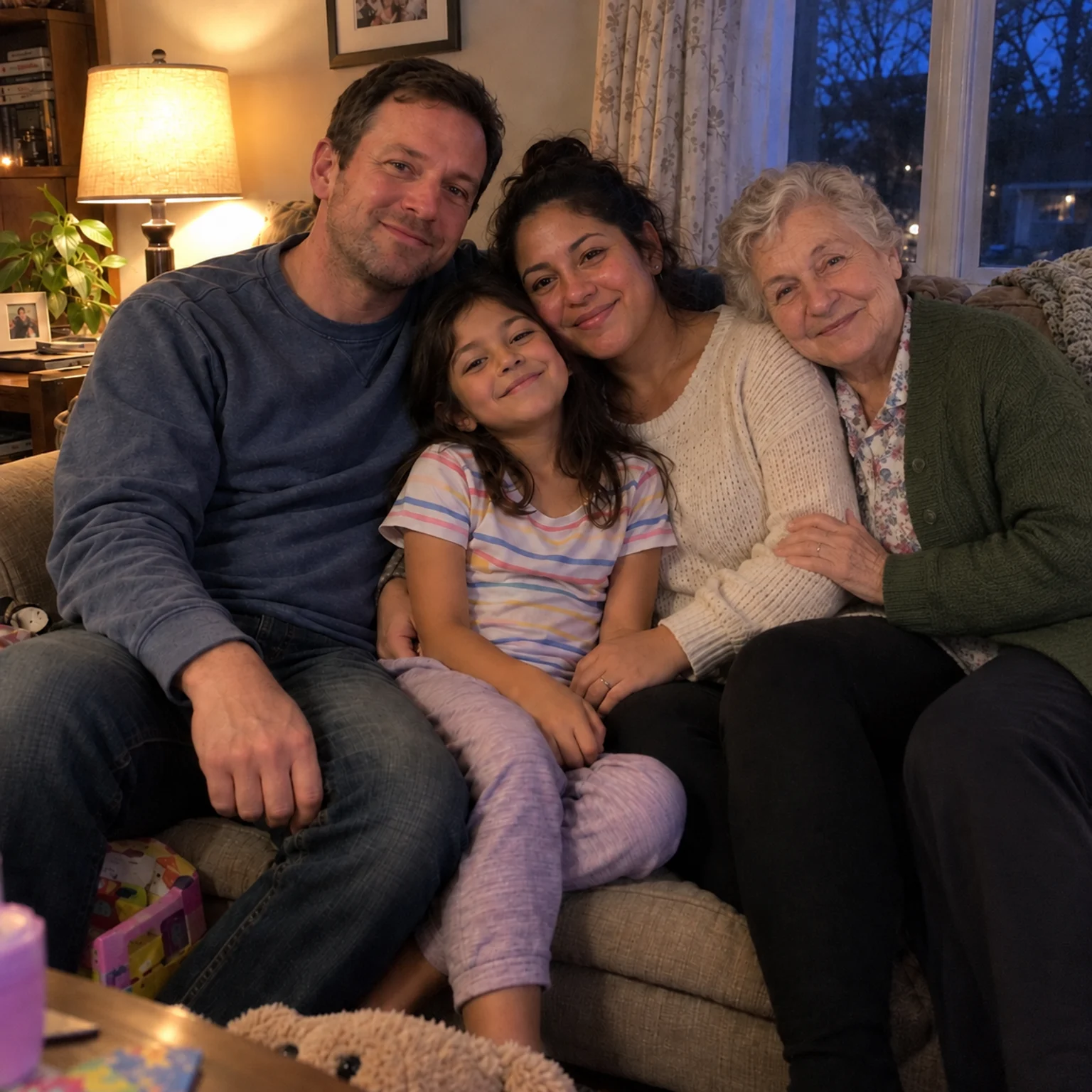
Bring two separate photographs together into one imagined family keepsake.
Open tool →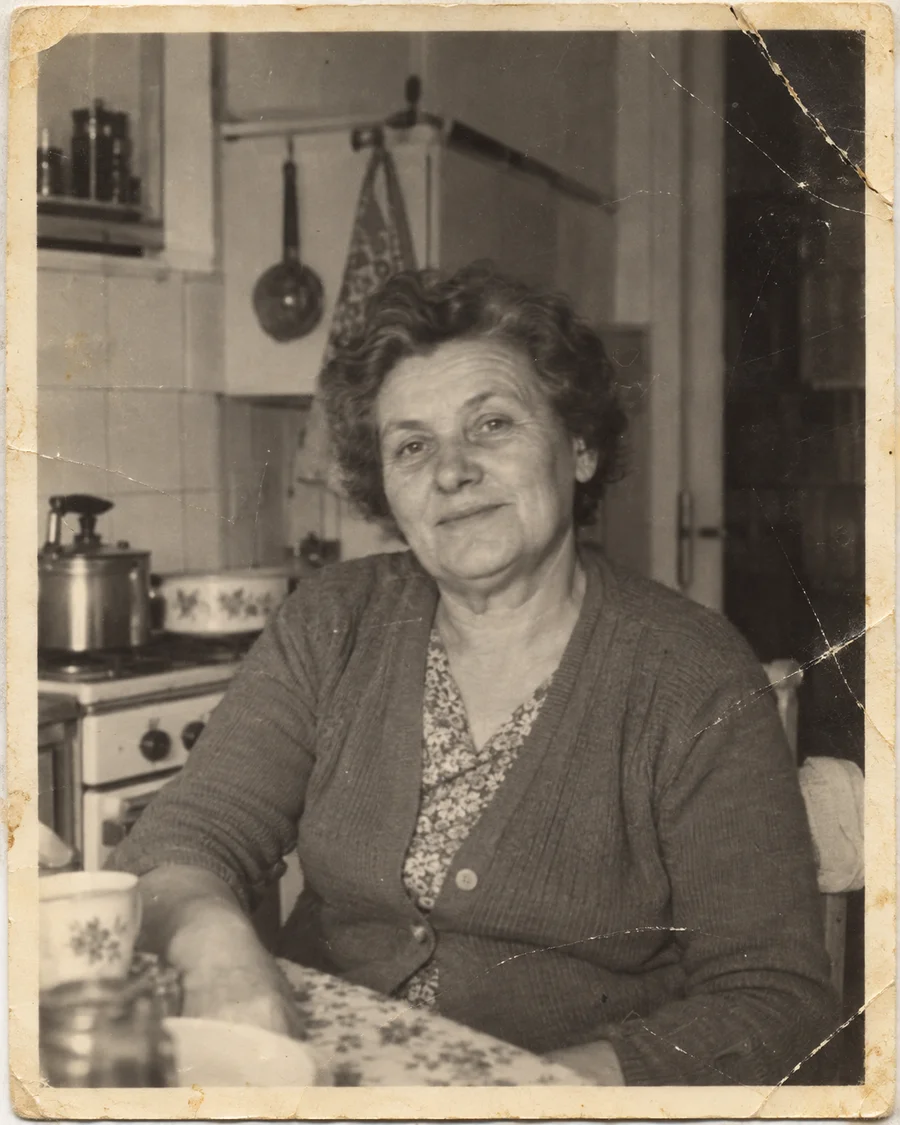

Repair scratches and fading, or colorize a black-and-white photo while keeping an original copy.
Open tool →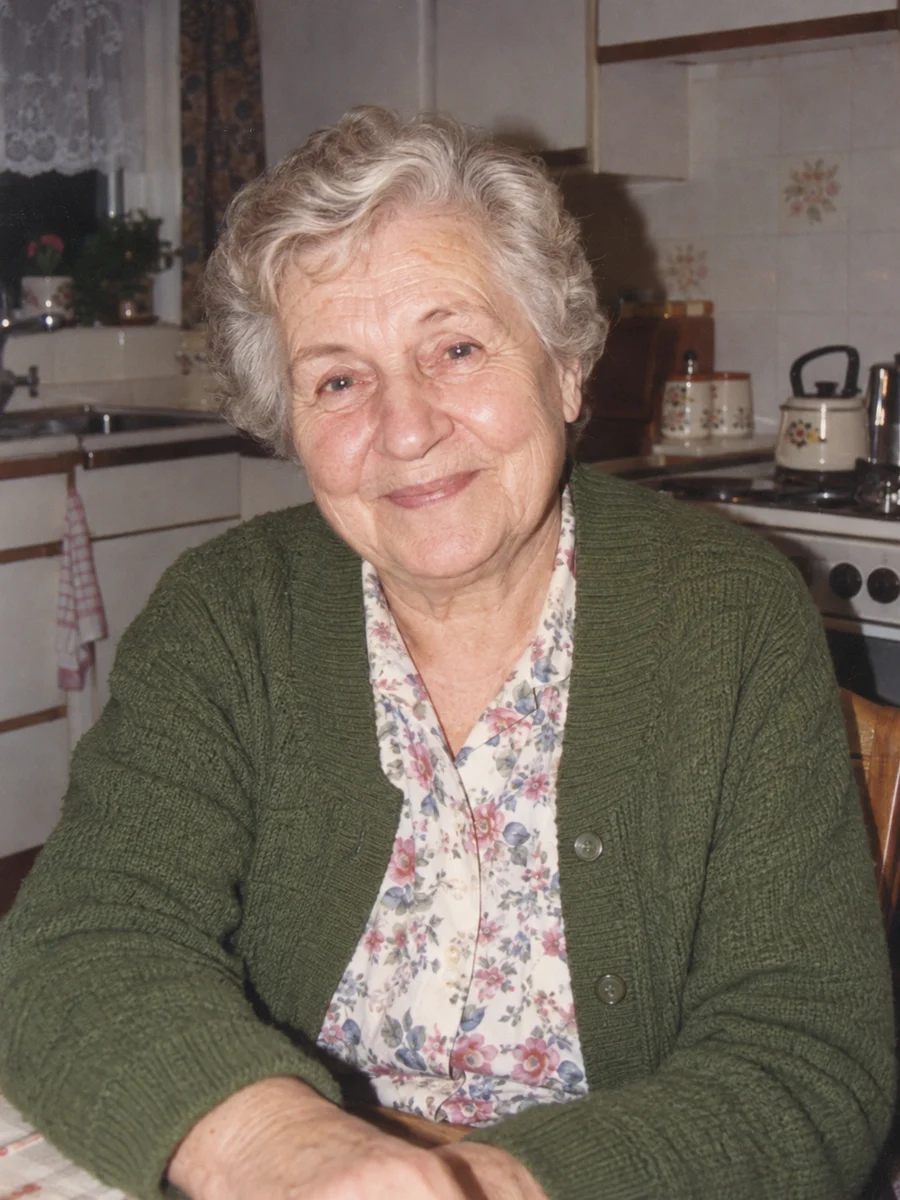
Turn one portrait into a short, silent video with a gentle blink or a small smile.
Open tool →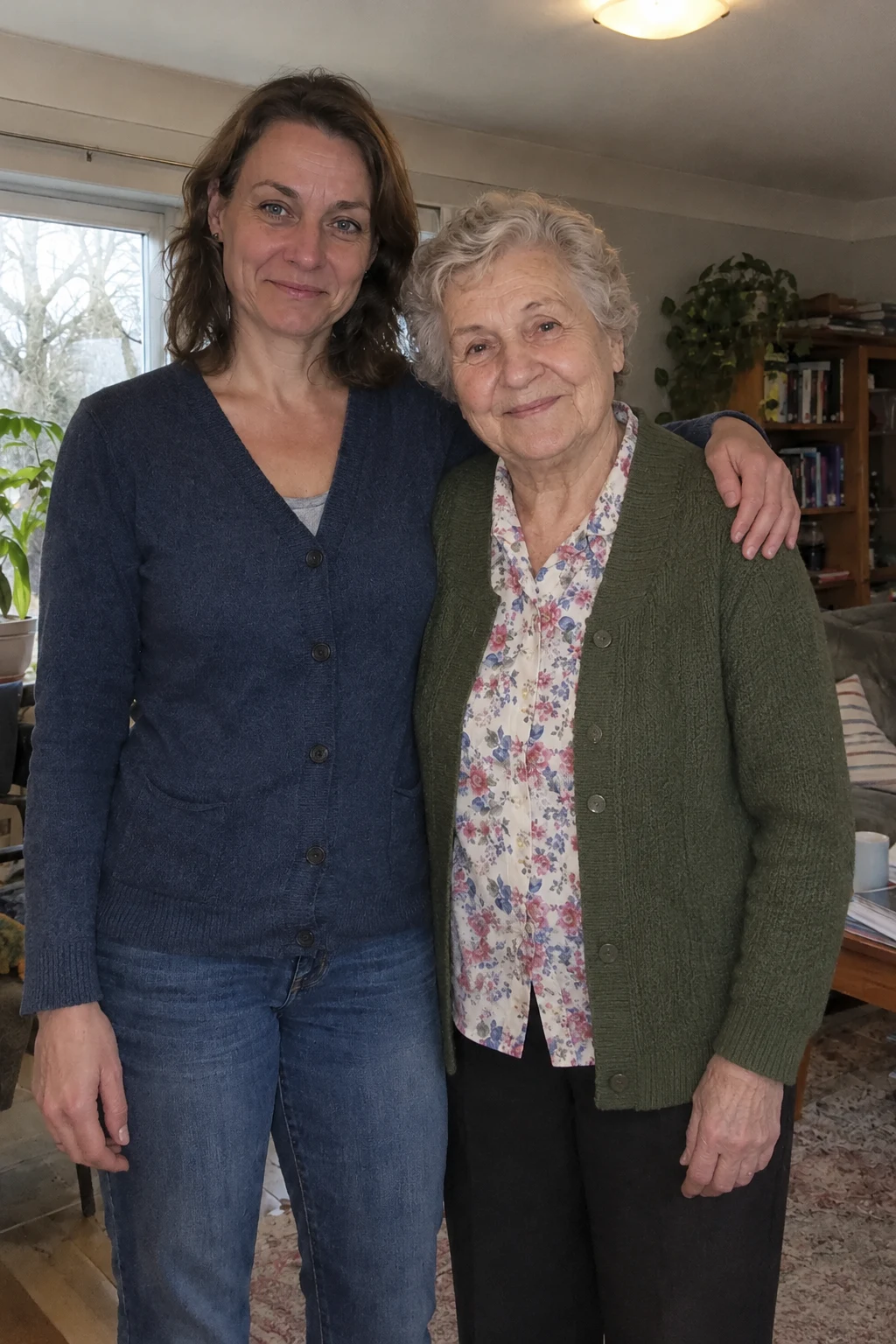
Bring two separate photos into a short, imagined embrace. A five-second silent keepsake, made privately for 15 credits.
Open tool →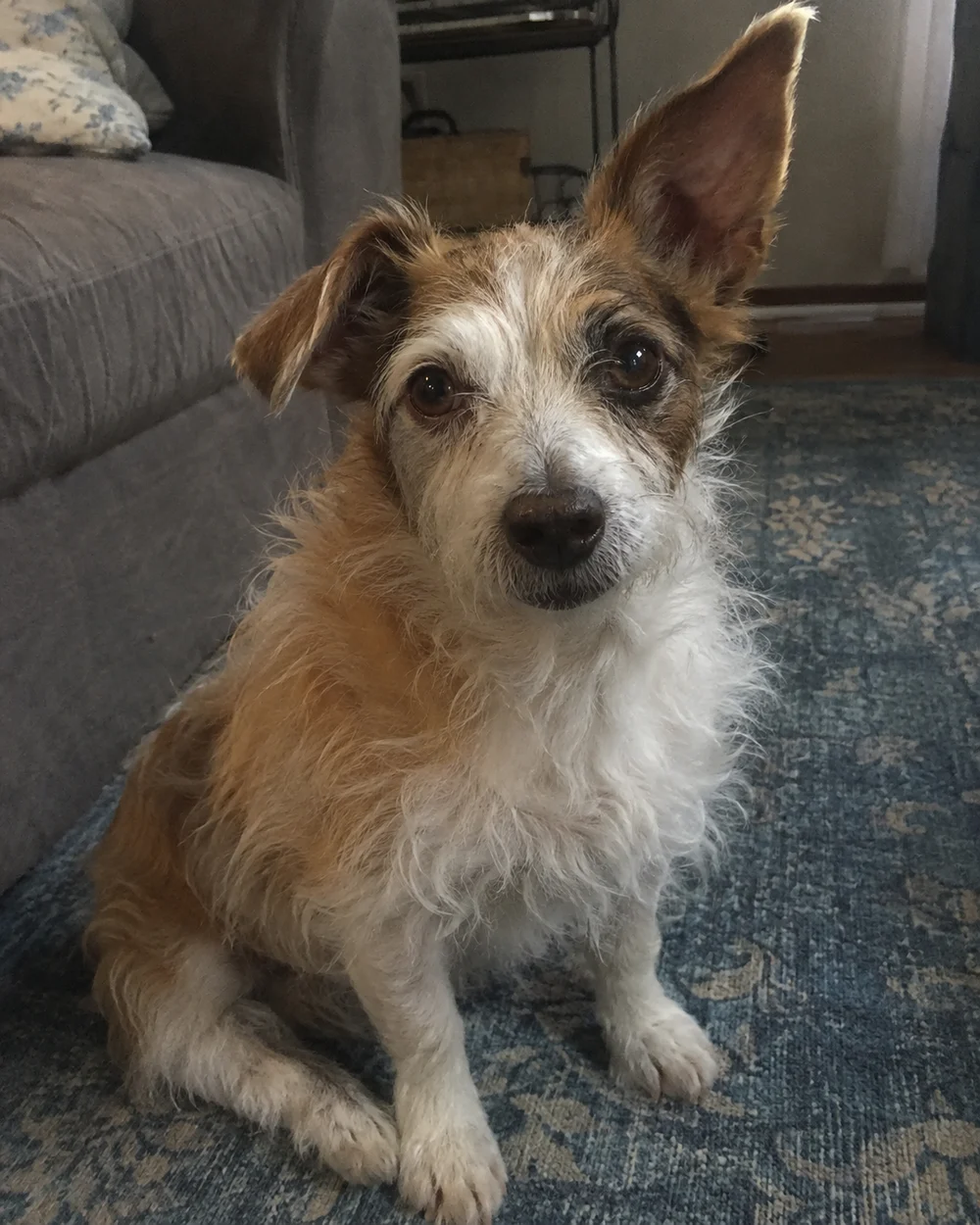
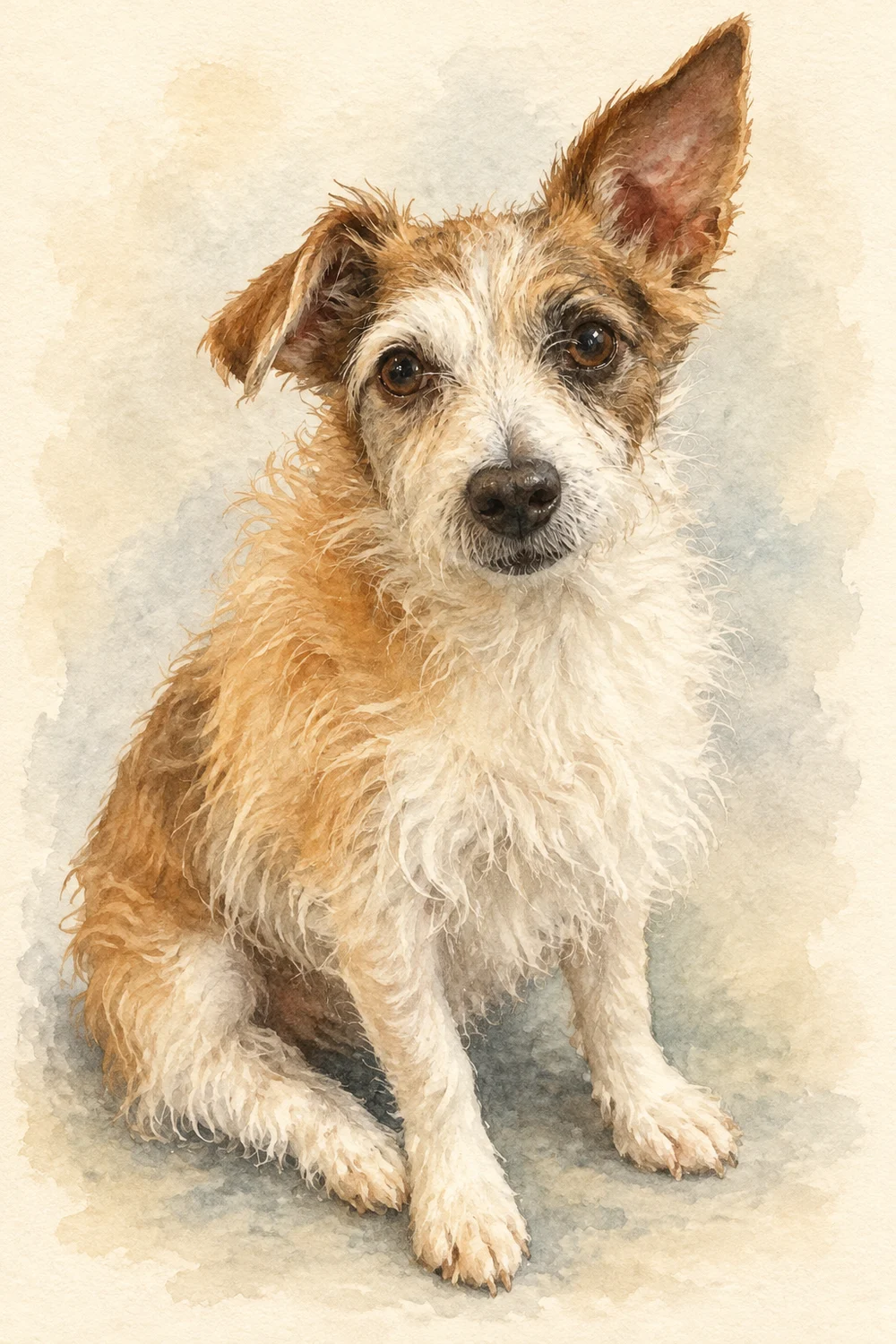
Turn a favorite pet photo into an oil painting or soft watercolor-style digital keepsake.
Open tool →