
Upload one old photograph
Choose JPG, PNG, WebP or a supported HEIC photo. Phone photos are sized automatically before upload. You can replace or remove the selection before generating.
Give a black-and-white family photo natural-looking color. Compare the original and download a separate color version.
Upload a scan or a clear phone photo, then sign in to add color.
An AI provider processes your photo. Read the privacy policy
A black-and-white print, scan or clear phone photo
1 credit per image · Downloads are free.
Colorization uses the tones and details visible in a monochrome photo to suggest colors for skin, clothing and surroundings. The tool can also reduce visible scratches or fading while adding color.
Photograph the print straight on under even light, or scan it. Remove reflections and keep the original file so you can compare details and share both versions.
Choose JPG, PNG, WebP or a supported HEIC photo. Phone photos are sized automatically before upload. You can replace or remove the selection before generating.
Generate one color version for one credit. Compare the face, clothing and background before saving.
Inspect the face first, then the whole photograph. Download the copy you like, keep the original, and use the feedback control if an edit changes something important. Output dimensions and format depend on the returned image; the download does not add a watermark.
The original hues cannot be determined reliably from the black-and-white photo alone. The result is an interpretation. Keep the monochrome version as the historical record.
Yes. Open our old photo restoration tool to repair damage while keeping the original color treatment.
Yes. Photograph the print straight on in even light and avoid glare, flash and strong shadows. A scan or a well-lit phone photo usually supplies more useful detail than a compressed screenshot.
Each new colorized photo uses one credit. The sample is free to view. Generating your own image uses credits, and downloading an existing result uses no credits.
A confirmed technical generation failure returns the reserved credit automatically. If the status is still processing, check My photos before starting another attempt. A completed edit with an unwanted artistic change is different from a technical failure.
No automatic public gallery is created. Generating sends the selected photo and instruction to an external processing provider, and the result is stored in your private account history. Review the privacy policy before submitting sensitive photographs.
Photos and instructions are sent to an external processing provider only when you generate. Results stay private in your account. Read the privacy policy
New works created with a membership are kept while it is active and for 30 days after the paid period ends. We send advance download reminders. Canceling renewal does not end the paid period early. New works created without a membership are kept for 30 days after successful completion. Download them before they expire. Older works keep their original retention terms. Your account shows the applicable expiry date for new works.
MORE WAYS TO KEEP A MEMORY
Repair a worn family photograph, add color, or keep a small moment in motion. Use one account and private history; video access depends on your membership.

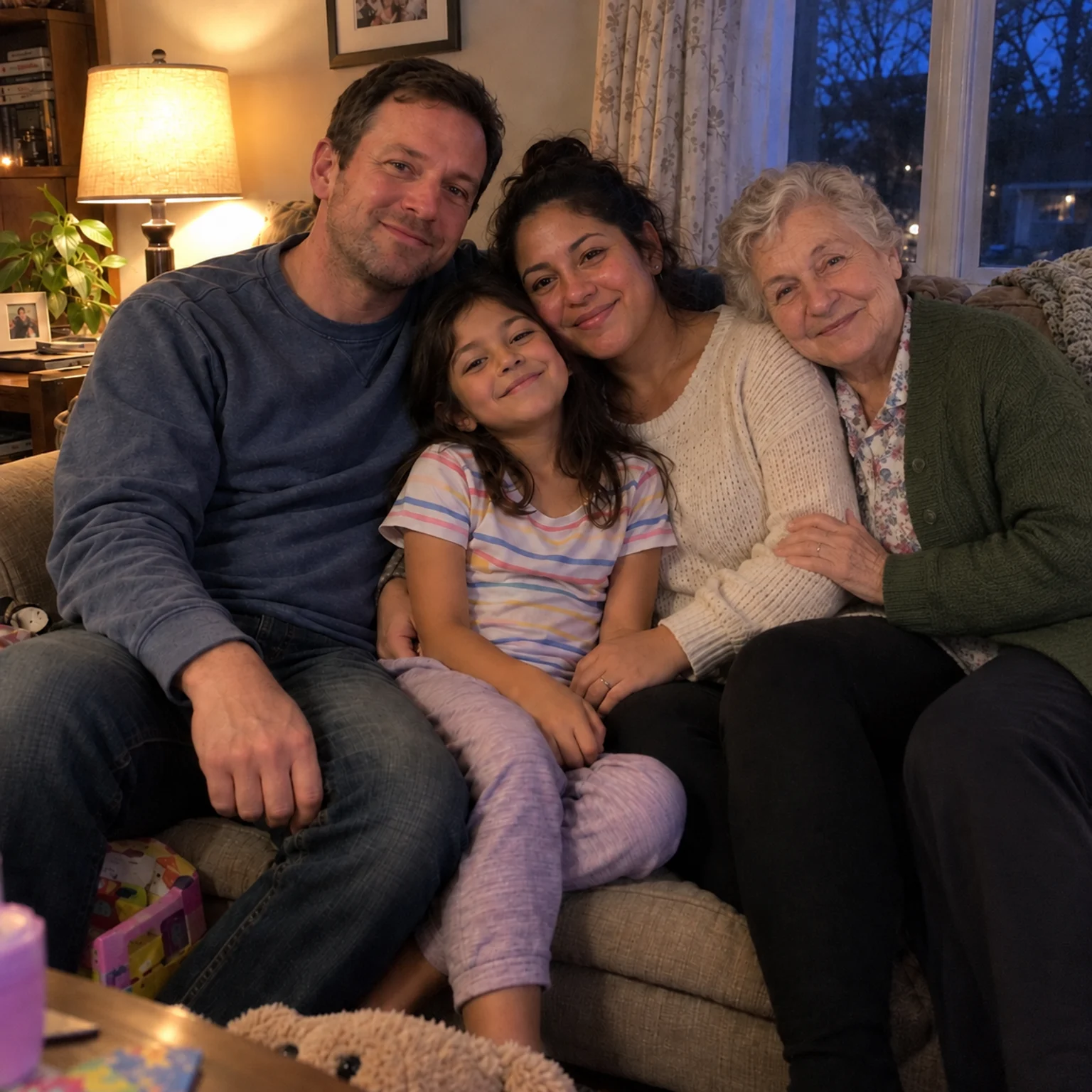
Bring two separate photographs together into one imagined family keepsake.
Open tool →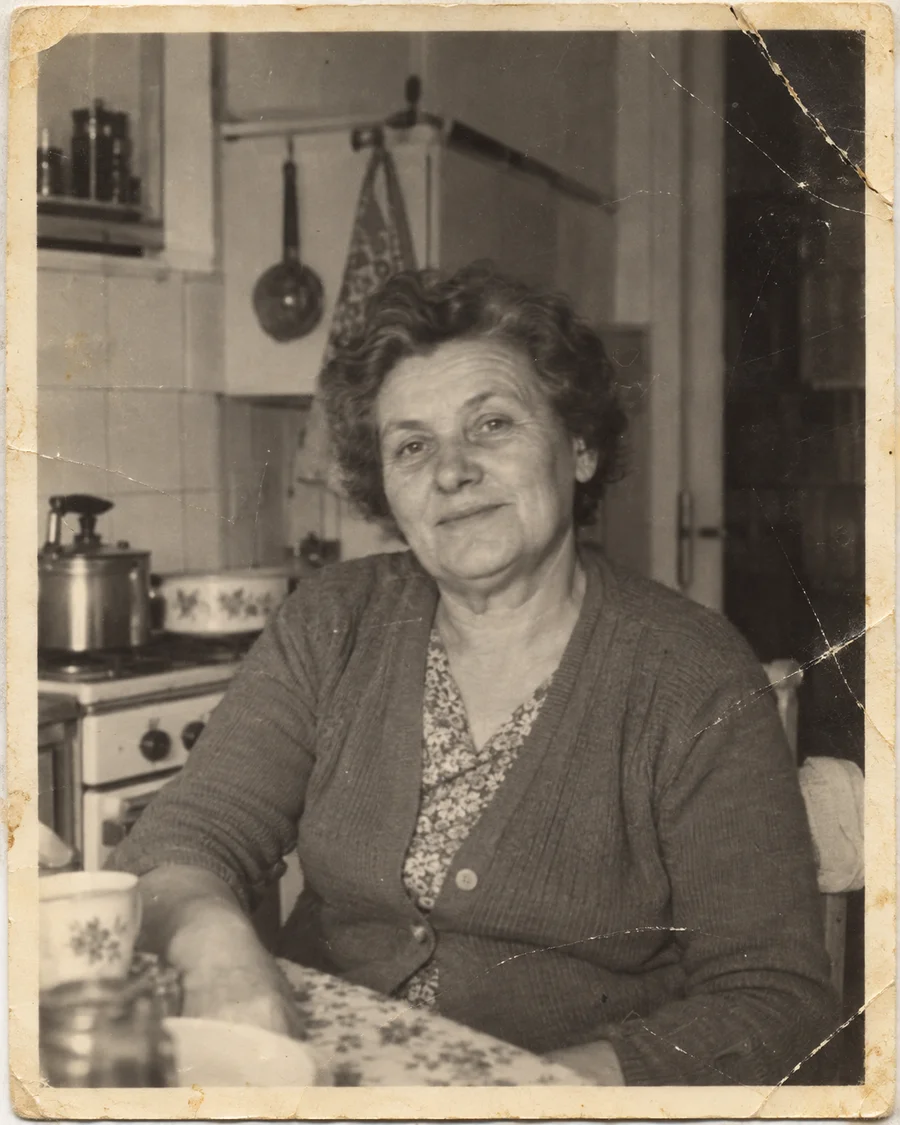
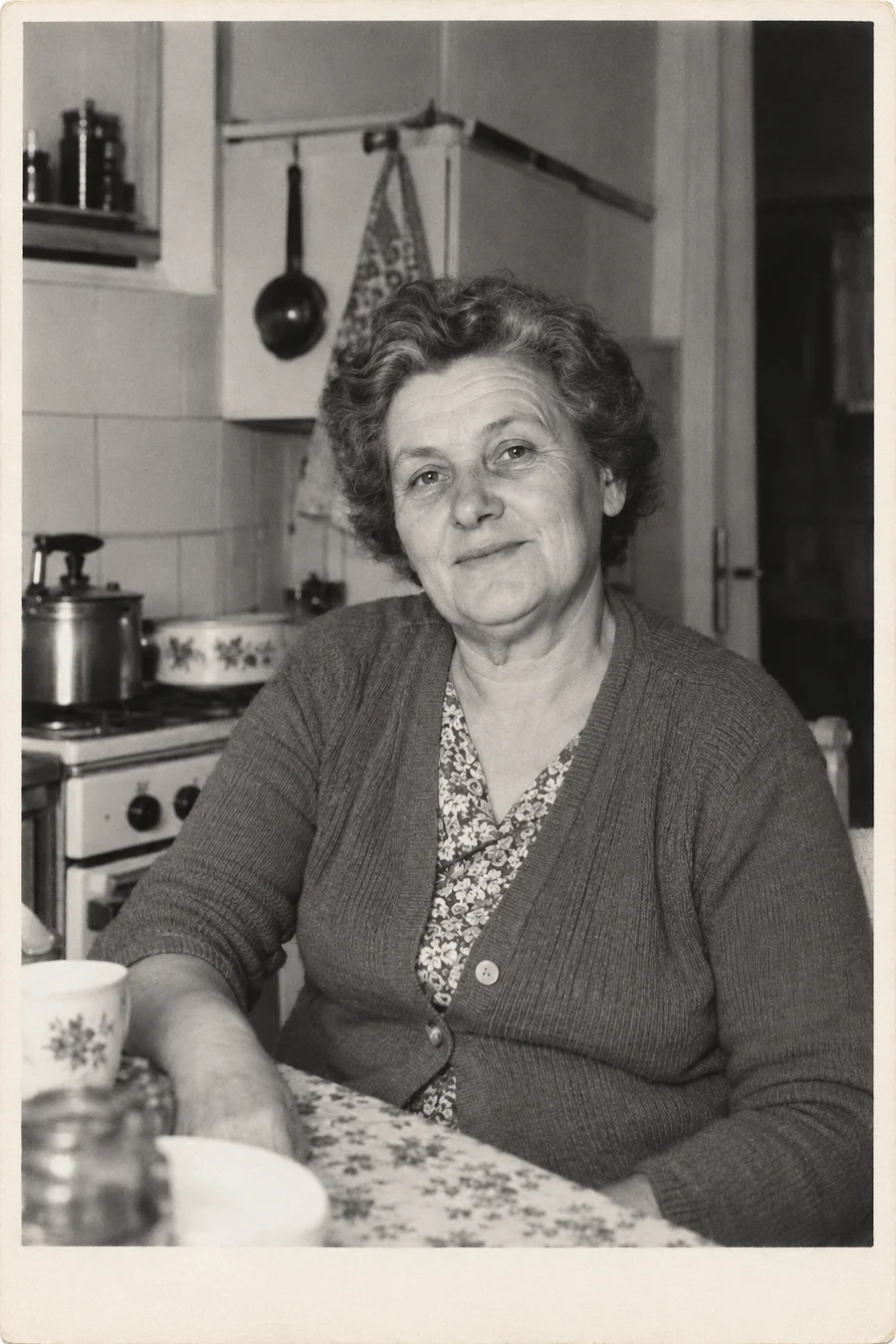
Repair scratches, tears and fading without changing the original color treatment.
Open tool →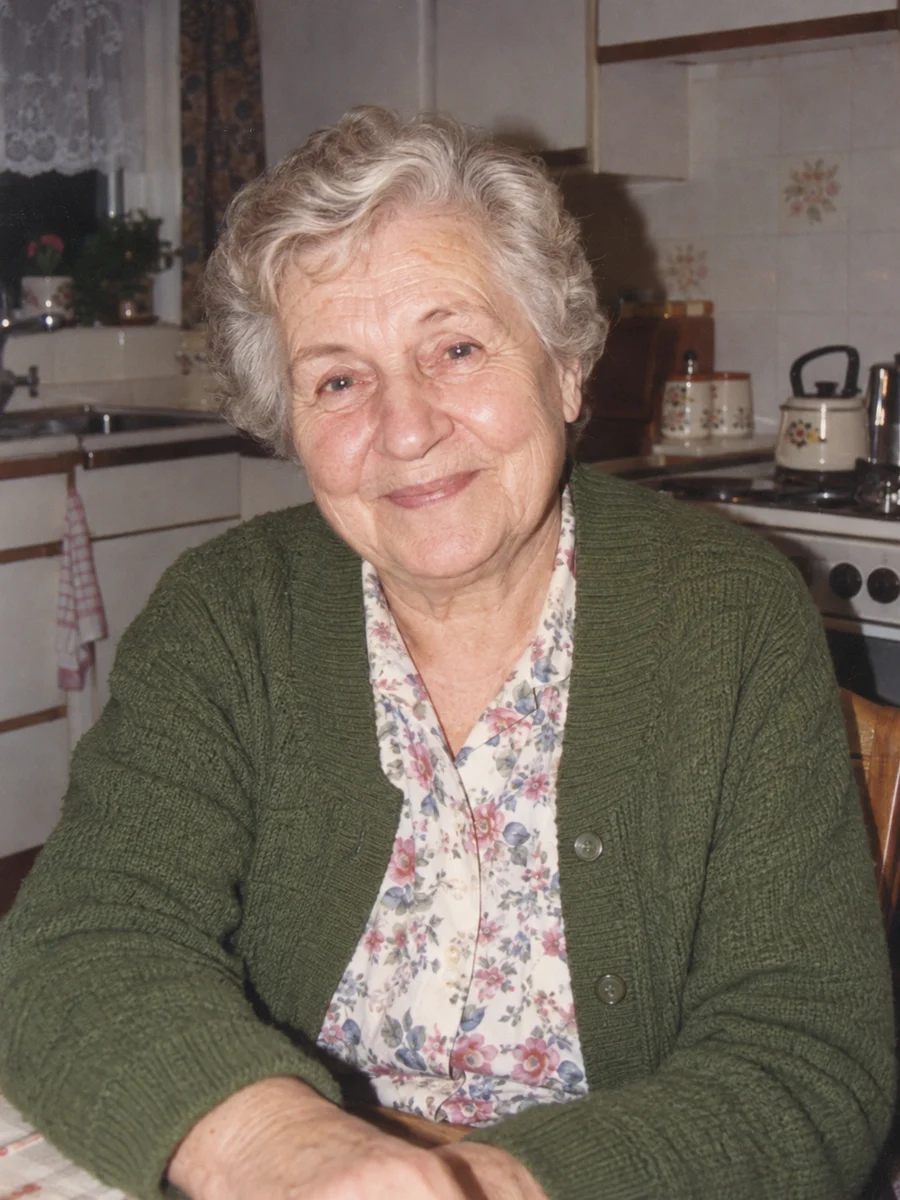
Turn one portrait into a short, silent video with a gentle blink or a small smile.
Open tool →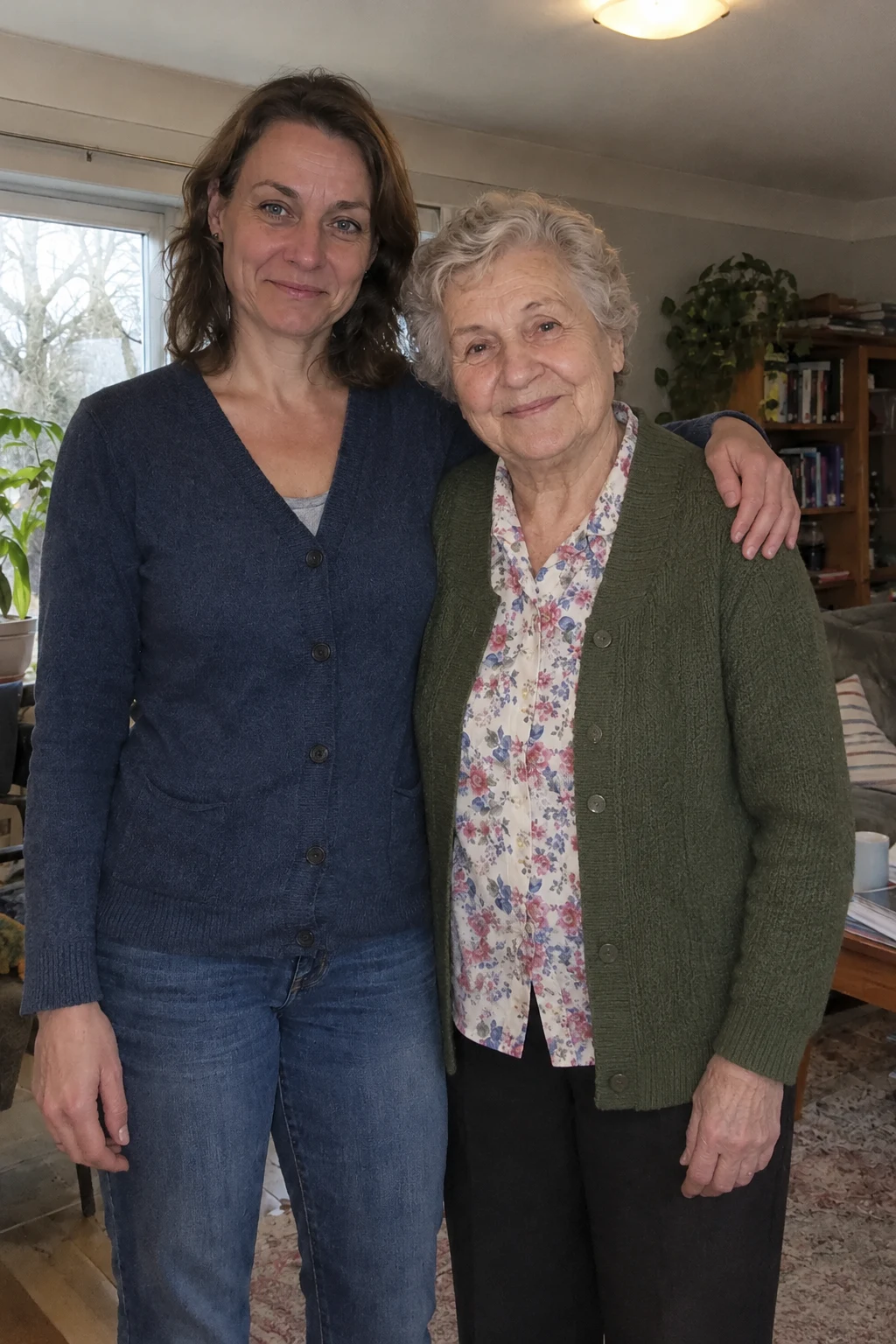
Bring two separate photos into a short, imagined embrace. A five-second silent keepsake, made privately for 15 credits.
Open tool →
Animate one dog or cat photo directly into a five-second silent keepsake. Ten credits with eligible video access.
Open tool →
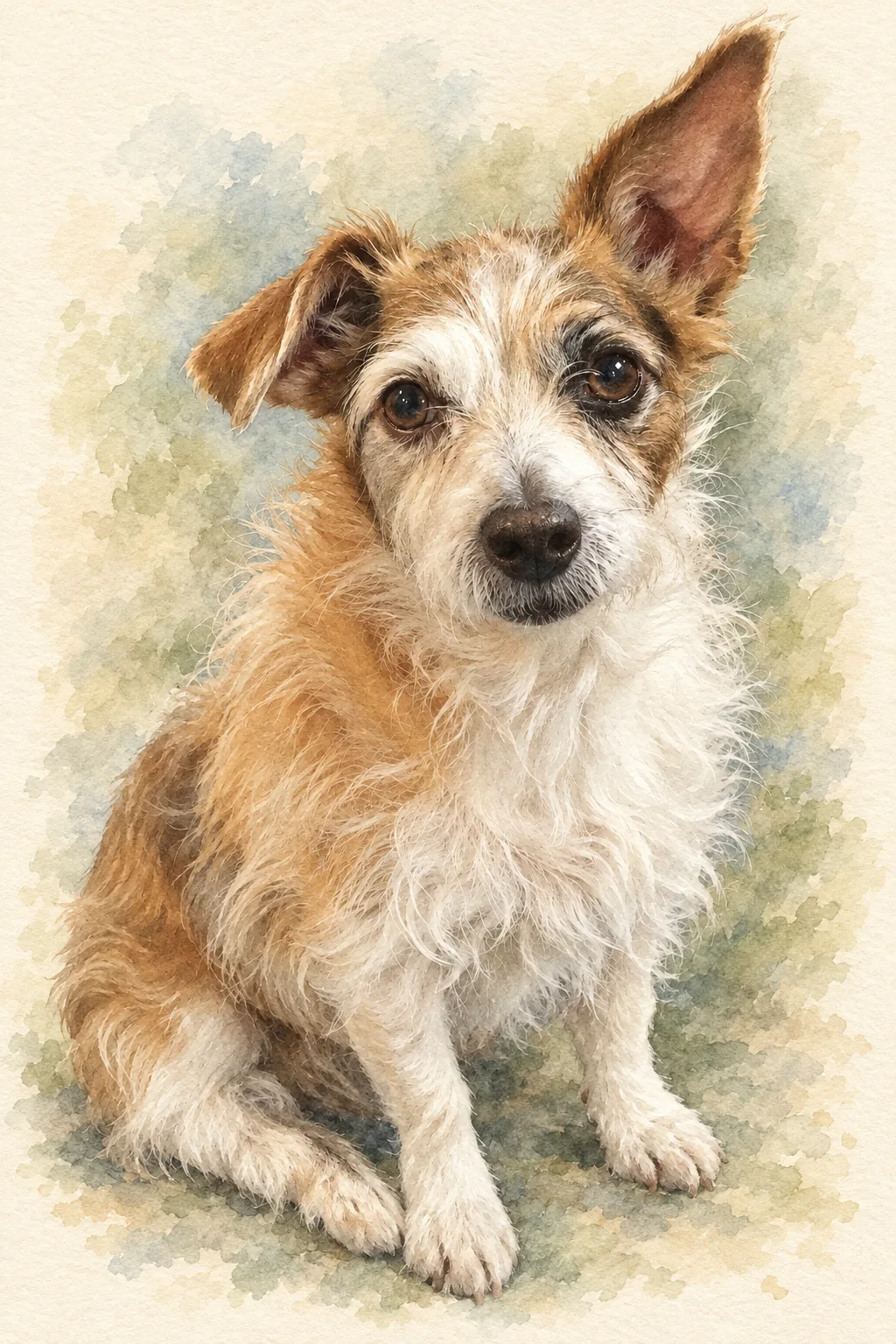
Turn a favorite pet photo into an oil painting or soft watercolor-style digital keepsake.
Open tool →